Organize and access copied content with a single tap. Save personal documents, loyalty cards, addresses, links, notes, images, colors, and more. Share or copy items quickly. Manage code snippets, graphic assets, and frequently used data efficiently.
Save frequently used text snippets on a personal pasteboard. Access and copy text quickly from a toolbar. Edit fonts and choose between dark or light themes. Sync with Instagram, WhatsApp, Messages, Snapchat, and Tik Tok.
Manage passwords with encrypted storage and iCloud synchronization. Unlock using Touch ID. Search and sort saved credentials. Back up and restore data locally or via iCloud. Automatically lock the after inactivity.
Save copied text, addresses, contact details, images, and links automatically. Create custom shortcuts for frequent content. Access stored items quickly. Share or saved content directly. Manage clipboard history and organize saved items.
Save and organize web links, text, images, PDFs, photos, videos, and color codes with a clipboard manager. Quickly capture content and it instantly without retyping. Sync saved items across devices for easy access and reuse.
Aggregates updates from emails, social media, messaging apps, news sites, and regulatory sources into a single, auto-organized feed. Users can filter content, save key insights, and create custom folders for organized information management.
Create a by handwriting with customizable color and pen thickness. Choose from different pen and eraser tools. Undo or redo actions. Save the as an image or copy it to the clipboard. Scale display is available.
The app offers inline previews for Markdown, TaskPaper, and Fountain documents. It allows for extensibility through workflows and Python scripts, with features like Dropbox sync, a smart keyboard, snippets, an in-app browser, and document folding.
Write, research, revise, and share with advanced formatting and support. Edit documents, organize notes, and sync with Dropbox. Customize themes and use keyboard shortcuts for efficient workflow.
Send custom and emojis to friends. Access over 500 unique not found on standard devices. Copy to clipboard or share via text, email, and other messaging apps. Create custom combinations for messages.
Manages clipboard content with quick and categorization. Saves frequently used phrases for one-tap access. Improves input efficiency with a clean interface.
Enable Keyboard Shortcuts to share photos, links, text phrases, and files directly from the keyboard. Access ChatGPT integration for quick responses. Customize shortcuts for frequent actions. Replace default keyboard with for enhanced efficiency.
Scan QR codes quickly and create custom QR codes. Edit text or URLs to generate codes. Share generated QR codes via email or messaging apps. View scanned details including text, URLs, and contact information.
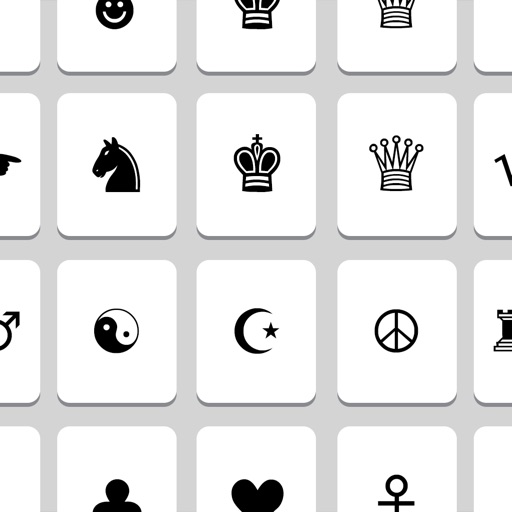
The app offers over 500 Unicode symbols across seven categories. Users can send fun characters via email, messages, or copy them to the clipboard for use in any application.