And arrange , bass, and drum parts in compositions. View and edit tablature for and drum parts. Use MIDI and Inter- Audio instruments for background sounds. Build harmonies and visualize note relationships.
Access and explore a detailed ukulele chord library with all possible chord positions across the fretboard. View suggested fingering and listen to audio demonstrations for each chord. Search for specific quickly.
Create files by setting tempo, key, and scale. Add sections like Intro with suggested first chords. Subsequent chord suggestions depend on the last chord in the section. Automatically invert chords for smooth voice leading.
Turn your iPhone or iPod Touch into a musical instrument. Select chords and strum strings with fingers to create arpeggiated sounds. Edit and share songs, use MIDI support, and transpose notes with in- purchase.
Create and save multi-track music projects on iPad, iPhone, or Mac. Record and import audio tracks, browse samples with previews, apply effects, and use high-quality synthesizers and drum kits. Edit, mix, and render complete songs.
Create and manipulate string-like sounds using physical modeling synthesis. Adjust string tension and delay settings for tone shaping. Play with a 25-key keyboard or MIDI controller. Apply stereo delay and filter effects to modify sound output.
The app provides three virtual-analog synthesizers with three oscillators each. It includes over 50 drum kits, a built-in sequencer, and an arpeggiator with preset patterns for creating music.
Create chord sequences based on a root note and mode. Generate related chords using mathematical algorithms. Adjust complexity and freedom levels to control sequence variation. Integrate with DAWs as an AUv3 MIDI plugin.
The app allows users to compose music scores with various symbols and multiple tracks. It supports different instruments, transposing instruments, and playback.
Learn notes and chords through interactive . Identify key signatures for major and minor scales. Guess notes on treble and bass clefs. Play competitive to practice guitar and piano chords using a MIDI keyboard.
Create beats and melodies using drum kits, synths, and melodic instruments. Sample audio via phone microphone. Edit MIDI sequences and export tracks to Live. Explore sound libraries and experiment with effects. Save and share musical ideas directly.
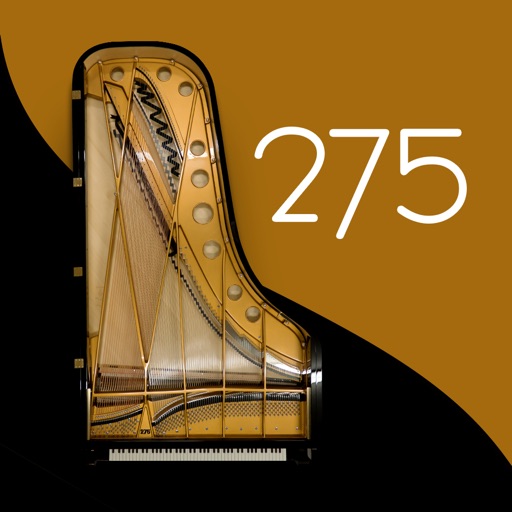
Play using a realistic virtual instrument modeled after the 275 Titanium Grand . Adjust touch sensitivity, select from multiple samples, and customize sound settings. Save and share performances directly.
Create and produce dance music with a powerful wavetable sound source. Use intuitive controls to shape sounds, layer effects, and sequence beats. Export tracks in multiple formats and share directly.
Create and edit music with virtual instruments and audio effects. Record and arrange compositions. Export tracks in various formats. Share finished songs directly. Import audio files for integration.
Record and playback audio samples with a multi-octave on-screen keyboard or MIDI device. Save, load, and reverse samples. Loop samples in forward, reverse, or forward-reverse modes. Apply reverb, resonant filter, and sample rate/bit crusher effects.
Practice chord progressions by setting for each bar and playing them on the keyboard. View chord tones and sounds in real time. Play full songs with multiple bars. Track chord patterns for pop and jazz music.