The app allows users to change a monochromatic background into any image. It offers tools to manually remove backgrounds without a green screen and includes features like auto-enhance, drawing, stickers, text, and various photo effects.
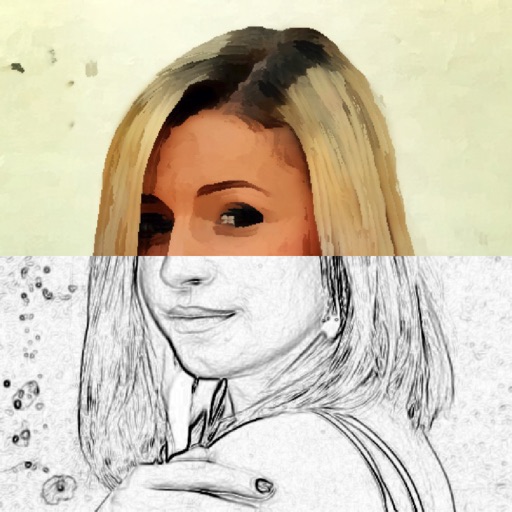
Edit photos with a wide range of effects, from basic adjustments to advanced graphic transformations. Repaint images using various brushes and import Photoshop brushes. Share edited photos on Instagram with the # tag.
Convert rectangular photos to (1:1) or portrait (4:5) formats. Select media, choose layout options, and share directly. Add white frames and adjust background colors for clean, framed visuals.
Allows users to resize photos to dimensions. It offers basic editing tools such as cropping, adjusting brightness, and adding text. Users can generate images for social media sharing and export edited photos directly.
Edit photos with background erasing and changing tools. Blur backgrounds and apply portrait beauty effects. Add realistic filters and effects with one tap. Share edited photos directly. Join a community for editing tips and feedback.
Edit photos with enhancement tools, effects, and frames. Add stickers and overlays. Crop, rotate, and adjust brightness, contrast, and saturation. Remove blemishes and red eye. Apply color splash and sharpen or blur images.