Analyze audio songs in the iOS music library to display symbols. View chords in graphical piano keyboard or guitar tab formats. Practice and play songs using displayed chords.
by Yamaha Corporation of America★ 3.6170 ratingsMusicFreeData updated 2026-09-09
Tune strings with frequency display in Hz. Access chords via two swipes. Load tunings instantly for 64-bit optimization. Use tuning fork for ear-based tuning. Features LED indicator and visual feedback for string status.
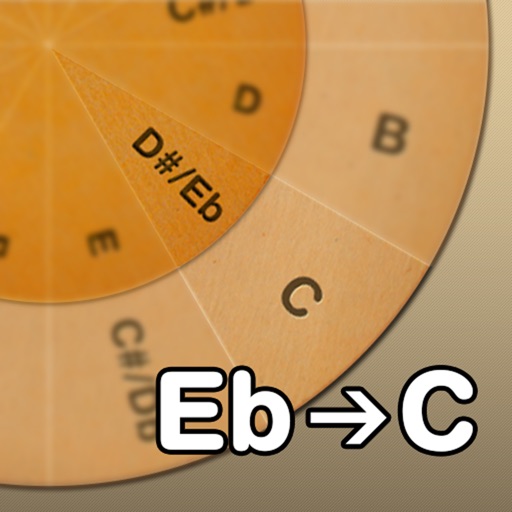
Adjust musical keys by rotating wheels to match original and target keys. Transpose chords for guitar players using capo positions. Modify song pitch to suit vocal range or instrument tuning.
The app provides a library of chord diagrams for guitar, ukulele, banjo, and mandolin. Users can look up and learn chords with fingerings and variations, and hear how they sound on their selected instrument.
Learn and strumming techniques through interactive 3D visuals. Compose chord sequences and view finger movements from multiple angles. Practice with virtual playback and customize chord timelines.
With step-by-step lessons and real-time feedback. Practice with smart games that listen and correct your playing. Access over 14,000 and follow structured lessons to build skills progressively.
Create and play music using chord and melody controls. Switch between chords and melodies with one hand. Adjust key and chord progressions. Record and playback performances. Share created songs directly.
Manage team members and setlists for services. Customize chord charts, transpose keys, and adjust audio mixer settings. Practice songs with adjustable key and volume levels.
Learn to play with real-time feedback and a visual interface. Access a large library of songs for piano, keyboard, guitar, and bass. Use MIDI controllers or instruments to play along. Track progress and set practice goals.
Create and play chord progressions in various styles. Add chords, select instrument tracks, and hit play. Experiment with complex arrangements using hundreds of piano, guitar, synth, bass, and drum tracks.
Play and practice with a wide selection of songs. Access over 10,000 tones via the BIAS tone engine. Automatically display chords for songs in real-time. Adjust tempo or loop sections for practice. Sync with the amp for jamming.
Learn key signatures by tapping to see sharps or flats. Generate for any key instantly. Visualize connections between major and minor keys on an interactive circle. Practice with customizable settings and instant feedback.
The app allows users to compose music scores with various symbols and multiple tracks. It supports different instruments, transposing instruments, and playback.
Track songs, create set lists, practice efficiently
Manage music collections by storing chords and lyrics in one place. Copy-paste content from any source and link to YouTube, Spotify, or Apple Music. Create and organize set lists. Back up songs and sync across devices.
Practice musical notes with adjustable pitch and octave selection. Choose difficulty levels from easy to expert. Use reference pitches in practice mode. Transpose notes to different keys. View note names, piano keys, or solfege.