Analyze audio songs in the iOS music library to display symbols. View chords in graphical piano keyboard or guitar tab formats. Practice and play songs using displayed chords.
by Yamaha Corporation of America★ 3.6170 ratingsMusicFreeData updated 2026-09-09
The app presents exercises for recognizing melodic and harmonic intervals, scales, and various chord types in all inversions. Users can select from five musical instruments for the exercises, with an option to display the first note.
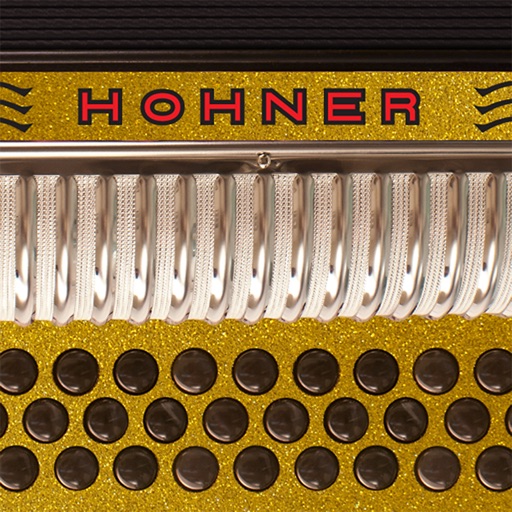
The app mimics the layout of Hohner's Corona II Xtreme 34-button diatonic accordion. Musicians can practice chord combinations, scales, and songs on-the-go in five different key combinations and colors.
Create and edit music tracks by recording voice and melodies. Add piano chords and other instruments. Save projects on your phone. Share tracks with friends. Export in various formats.
Manage and organize music files with a song library supporting PDF, TXT, and ChordPro formats. Preview and list songs for easy navigation. Adjust autoscroll speed and direction. Search, tag, and filter songs. Import lyrics and chords from UG sources.
Learn and play with visual fretboard diagrams and detailed notation. Access a comprehensive library of chord types including major, minor, 7ths, and more. Listen to chord sounds and explore multiple notations for different playing styles.
Manage worship services with scheduling tools, song libraries, and team coordination. Track calendars, communicate with team members, and access lyrics, chord charts, and audio for songs.