Apps Like Finger Drumkit - PRO for iPhone and iPad
Play drums with touch
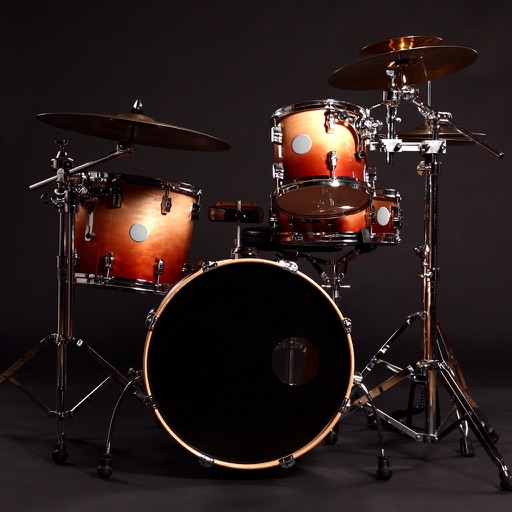
Play drums using taps for realistic sound and responsive touch. Choose from 4 drum kits including classic, electronic, rock, and vintage. Create original beats or follow along with favorite songs. Sync with audio for rhythm practice.
by Quantis, Inc.★ 3.513 ratingsMusicFreeData updated 2026-09-09
Create and arrange melodies, bass lines, and drum beats by moving dots on the screen. Switch chords and patterns instantly. Apply delay and reverb effects to instruments. Tap or drag to build sequences. Sync with AirPlay for playback.
Create and perform music with multitrack sequencing, monophonic and polyphonic synthesizers, and drum machines. Adjust customizable parameters for sound shaping. Record and export compositions directly.
Create and edit patterns using groove presets or custom beats. Play along with favorite songs via InterApp, Audiobus, Core MIDI, and clock MIDI. Share patterns through iTunes file sharing or Audio Copy.
Create and play with real recordings. Copy to DAWs like Garageband or Cubasis. Use Audiobus and Inter Audio for integration. Sync with DAW tempo. Includes live performances and high-quality microphone recordings.
Create and manipulate drum sounds using a graphic editor. Use 76 samples and synthesis drum kits. Mix and match sounds across drum kits and tracks. Load drum kits from factory or other songs to generate new compositions.
Separate vocals and instrumental stems using AI audio analysis. Export high-quality isolated tracks and mixed versions. Split audio files into individual stems for editing or remixing.
The Odd Metronome allows users to create any rhythmic pattern in any meter. The app provides three different sounds and a moving cursor to follow the rhythm visually, making it a study companion for musicians.
The app provides HD quality bongo sounds with a large and small drum pair. Users can record beats, loop them, and play them back at regular or fast forward speeds.
Create beats using step sequencers and pads. Sample sounds from Roland TR and MPC machines. Mix tracks with a built-in mixer. Record and play back custom patterns. Adjust tempo and rhythm settings. Export and share finished projects.
Play with a full 88-key keyboard and haptic feedback. Use multi-touch for chords and dynamics. Access 50+ instrument tones. Learn through interactive practice. Control via widgets without launching the .
Practice techniques with finger exercises and chord progressions. Adjust string tension and tuning. Play along with built-in songs and track progress. Simulate real feel with responsive controls.