Create custom photo books and prints from Instagram or camera roll photos. Select and arrange images for print. Order physical photo goods directly within the . Share completed projects via social media or email.
Control DJI Mavic drones for time-lapse photography. Capture , during, and shots from multiple viewpoints. Auto-pilot for precise alignment. Edit and export time-lapse videos and photo collages. Sync with DJI Mavic series for aerial imaging.
Edit photos by adding such as cupcakes, ice cream, rabbits, and unicorns. Customize images with romantic and cute designs. Save and share edited photos directly from the .
Add , captions, and quotes to or artworks. Apply filters and blur effects. Share directly to Instagram, Facebook, Twitter, Tumblr, or blogs. Create and save custom graphics for social media.
Edit photos with nondestructive color adjustments, AI-powered automatic selections, and support for over 750 RAW formats. Use the Repair tool to remove unwanted objects. Export edited images in various formats and share directly.
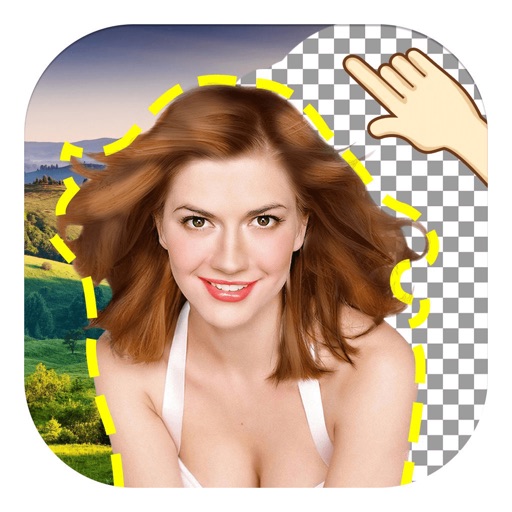
The app allows users to remove and edit backgrounds of pictures. It offers smart and manual cutout tools, with options to move, zoom, rotate, and crop images.
The app offers tools to enhance photos, remove blemishes, and apply various effects. Users can combine photos into collages, add stickers and frames, and adjust image properties like brightness and contrast.
Create collages using hundreds of templates, layouts, and design options. Add effects, text, and stickers to photos. Share finished projects directly to social media accounts. Edit images with cropping, filters, and adjustments.
The app allows users to blend two photos for a double exposure effect. It offers five artistic photo collections and various real-time blend modes for improvisation.
Edit photos by applying local filters to specific image areas or text. Add multiple graphics and text elements with different filters. Export edited images in various formats and share directly.
Create videos and images using editing tools. Track faces and objects. Access premium templates. Add labels and images. Download content from TikTok, YouTube, Instagram, Facebook, Reddit, Giphy, and more. Share edited content to social media.
Create collages by combining photos, adding stickers, and applying effects. Choose from multiple layouts and templates. Edit images with cropping and filters. Share finished collages directly to social media.
Edit photos with crop, rotate, exposure, color, sharpness, and resize tools. Create grid collages and edit individual images. Access presets, clone tool, and fine curve adjustments for detailed edits. Export and share edited photos directly.