Play with a full 88-key keyboard. Adjust key size for easier touch. Choose from a sampled or 128 MIDI instruments. Zoom in and out for better control. Includes a single banner ad. Optimized for iPad use.
by Umito★ 4.5632 ratingsMusicFreeData updated 2026-09-09
Record audio, MIDI, and drum tracks with unlimited layers. Apply real-time effects like Guitar Amps, VocalTune, and Reverb. Mix and edit tracks on the go. Share projects and collaborate with other artists via Songtree.
Create and save progressions with visual feedback. Trigger chords via MIDI footswitch. Sync progressions with other apps. Learn relationships and scales. Play chords on an on-screen piano keyboard. Use pads to organize and access saved chords.
The app provides a music production environment with a piano keyboard and studio-quality instruments. It includes a multi-track sequencer for editing notes and applying effects.
With a hot interface featuring all 88 keys. View key note labels and use a retina display. Access an optional double keyboard and support external MIDI keyboards on iPad. Sync across iPhone, iPod Touch, and iPad.
Create and play music with a professional sound library. Connect to MIDI keyboards for performance. Record and export audio files. Access high-quality piano and keyboard sounds. Adjust effects and settings for custom sound shaping.
Learn to play the by recognizing musical notes and pressing keys to create chords. Practice playing simple tunes. Explore other musical instruments in the . Track progress through interactive lessons and exercises.
Play piano using a full 88-key keyboard with touch-to-slide and pinch-to-stretch controls. Access realistic grand piano sound samples. Record and playback performances. Adjust volume and mute keys individually.
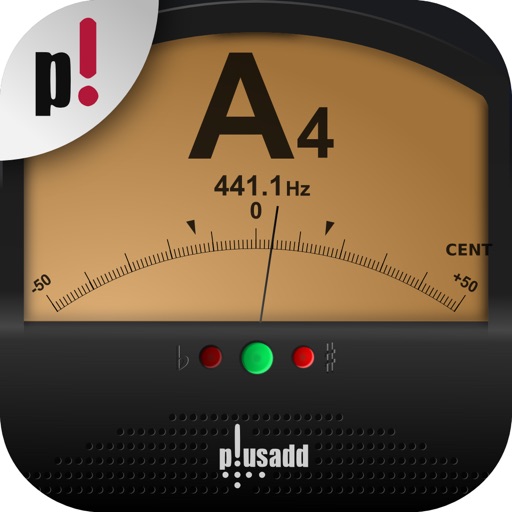
Allows users to tune instruments using the device's microphone. It supports custom temperaments and transposition. Features include solfège notation, adjustable calibration, and a spectrum power indicator for sound visualization.
Practice musical and chord recognition with interactive exercises. Track progress with saved statistics. Return to specific exercises for focused improvement.
Learn key names through interactive guessing games. Identify before fly away. Correctly guess all to win. Restart if incorrect. No ads or in- purchases.
The app provides a quick and easy way to create beats using inbuilt or imported sounds. Its pattern editor sequencer allows for simple drag-and-drop rhythm tweaking.
Play and learn musical instruments with virtual tabs, , , and . Access songs from your music library to maintain rhythm. Adjust tuning for accuracy. Create custom beats using an MP3 player. Sync with Apple Health for progress tracking.
Learn to play the with interactive lessons and a full 17-key instrument. Access over 650,000 songs from music songbooks. to a real for note recognition. Play daily challenges, view global leaderboards, and record audio while playing.
Play piano with an 88-key keyboard, customize key labels, tune and transpose notes. Record performances and share music. View -time score notations. Access additional settings via Piano Remote .
Check pitches and determine tuning needs. Tune individual keys during a 3-day trial. After trial, only tune middle C key. Full access available after purchasing in- purchase.
Create and edit using a virtual piano keyboard. Export and import MusicXML files for compatibility with other software. Compose simple piano pieces or complex symphonies. View and adjust musical scores with a user-friendly interface.