Explore the Tabernacle layout using touch gestures. Navigate with both thumbs and screen panning. Use as a presentation tool for Bible study without text or graphics obstructing the view.
by Apolinar Langomas Jr.★ 4.58 ratingsEducationFreeData updated 2026-09-09
Read and study the offline with chapter tracking, notes, and highlights. Access the World English audio . Store all content locally for uninterrupted use without internet.
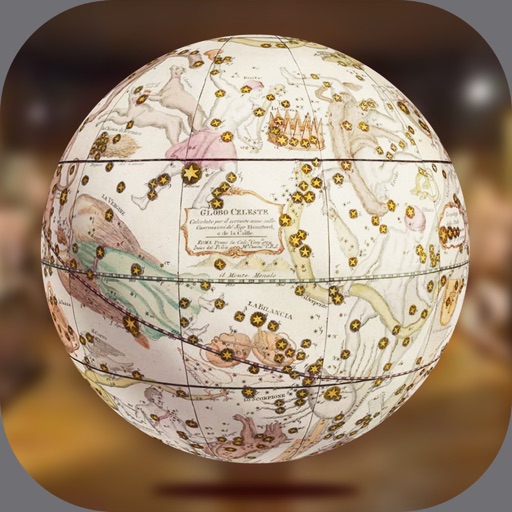
Explore historic globes in augmented reality. Move and rotate globes in 3D space. Zoom in and out for detailed views. Navigate around globes using screen controls. Access 7 different globes with historical details.
Study biblical words with definitions, Strong's numbers, parts of speech, and English transliterations. Access 67 Bibles and search using English or keyboards. Add notes and photos, share via Facebook, Twitter, email, or print.
Explore the Bible with a five-year study plan covering all 66 books. Read and listen to Bible texts. Access daily lessons led by a native speaker. Highlight and annotate verses. Track progress and set study goals. Share insights with others.
Provides instant answers to questions with clear explanations. Offers daily devotionals and prayer guidance. Includes verse interpretations for deeper understanding. Requires internet and subscription.
Access sermons, Bible study tools, and church news. View event schedules and donations. Track personal spiritual goals. Share content with others. Receive push notifications for updates. Connect with community resources and prayer requests.
Access audio and video messages, interactive notes, and a digital bulletin. Stream live services and follow a Bible reading plan with audio. Submit connection cards and make online donations.
Access content from 2017 to 2025. Link to specific bible verses for offline reading. Create and sync personal notes across devices. View locations of Word of Life Bible Church branches on maps. Study scriptures with built-in tools.
Translate words between and English with bidirectional lookup. Save notes in and share via social media. Use two keyboards: phonetic with English input and local layout. Text-to-speech for both languages. Supports offline use.
Access teachings and live church services. Follow along with the in- Bible. View church events and service schedules. Connect with the church community for worship and fellowship. Receive updates on upcoming activities and services.
Learn vocabulary through with images, text, and sound. Practice with modes like Listen & Repeat, Study, and Quiz. Test knowledge with matching and memorization exercises. Includes 100+ conversation phrases for real-life use.
Read, highlight, and search biblical texts offline
Read and navigate the Arabic and English versions of the Bible offline. Bookmark verses, highlight text, and search the entire Bible. Add or remove diacritics. Share verses with or without custom background images. Support for dark mode.
Explore verses, save favorites, track progress, journal,
Read and highlight verses. Save favorites and maintain a personal journal. Track reading streaks and progress. Access AI-powered explanations and daily encouragement. Designed for all reading levels. Start with clear, confident guidance.
Access sermon notes and listen to messages. View and register for events. Read the Bible. Additional features include resource access and community connection tools.
Access weekly Bible teachings and Pastor Ken’s sermons on various topics and verses. Share content via Twitter, Facebook, or email. Learn about ’s history and mission.
Explore 3D models of the and . View video clips and interactive images. Take self-assessment quizzes with reference libraries. Play knowledge-based games.
Stay updated with push notifications and church calendar. Watch or listen to past messages. Read the Bible with verse lookup. Access daily devotionals and event reminders.
Access points including 361 classical and 48 extra points. View 180 ear points and 40 Western symptoms. Explore over 50 TCM syndromes and 80 studies on effectiveness. Use offline without internet. Search and bookmark points for quick reference.
Explore the Boeing 777 by tapping on controls, panels, and displays to view detailed descriptions and operational insights. Learn about each component's function and layout. Access interactive tutorials and diagrams for in-depth understanding.