The app offers over 40 stickers and 20 backgrounds for users to place and resize. Users can clear pages, save creations to galleries, and add messages with a text tool.
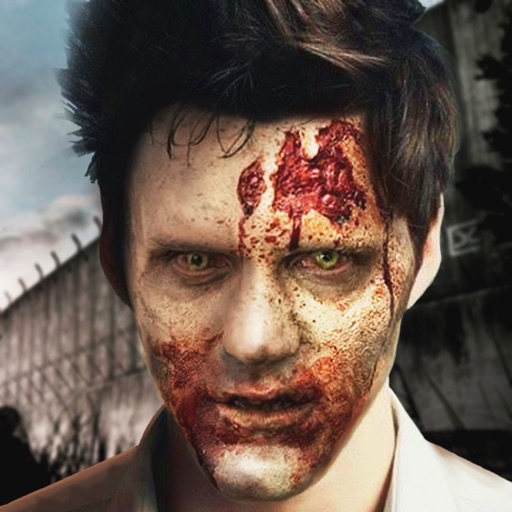
Apply photo filters to create horror-themed images. Edit photos with cropping, adjustments, and effects. Add text and stickers for a creepy atmosphere. Export and share edited photos in various formats.
Edit photos by removing unwanted background elements. Add romantic and stickers to images. Create collages for Day. Decorate pictures with customizable art tools. Share edited images directly.
Faces in photos by selecting two images and exchanging them. Save edited photos to the gallery. Share results on social media platforms. Edit with tools like cropping, adding text and stickers, drawing, and rotating objects.
Edit photos with multiple props, frames, and effects. Apply presets and overlays. Capture photos in portrait, landscape, or square orientation. Share images directly to social media. Supports iPad, iPhone, and iPod Touch.
Edit photos with diamond frame effects and star-like enhancements. Add creative effects to enhance images. Save and share edited photos directly. Apply various frame styles to personalize pictures.
Edit photos by selecting from a gallery or taking new ones. Choose from various -themed to enhance images. Save and share edited photos directly. Create postcards by combining photos with . Adjust and export final edits in different formats.
Blur image backgrounds to create effects. Select photos from gallery or capture new images. Apply multiple blurring tools to adjust blur intensity. Export edited photos to device storage.
Edit photos adjustable temperature, tint, and exposure settings. Use texture blending tools and apply effects. Add stickers opacity and shadow control, and include text 3D effects and multiple fonts. Crop, rotate, and straighten images.
Edit photos with filters, effects, and adjustments. Add text with multiple fonts, colors, and effects. Overlay text or add captions and 3D text. Include stickers, artwork, and frames. Create collages and personalize cards with photos.
Create print-ready labels, stickers, and cards using customizable templates or from scratch. Choose from round, square, or rectangle layouts. Drag, drop, resize, and rotate design elements. Add text, shapes, and images.