Edit photos with frames, stickers, and creative collages. Apply effects like glass, hand, and board. Adjust brightness, contrast, and saturation. Share edited photos directly.
Apply to images and adjust positioning. Resize, rotate, and move photos freely. Save edited images directly to the gallery. No internet connection is required. Offers multiple frame options for creative customization.
Apply filters to photos from the gallery or during capture. Choose from twelve unique styles including cartoon, sketch, and paint effects. Edit images with artistic filters and save or share the modified photos.
Edit photos with filters, collages, and stamps. Add text and stickers. Save to albums. Share directly to blogs and social media. Apply toy camera effects. Adjust brightness and contrast. Crop and resize images.
The app allows users to create photo books, prints, and personalized gifts from their phone. Photos can be imported from various sources and professionally printed in Melbourne for Australia-wide delivery.
The app allows users to create photo collages and interactive slideshows. Users can import pictures and arrange them using multi-touch gestures on a virtual table.
Edit photos with -themed , , and gifs. Add text, stickers, and seasonal effects. Share edited photos directly. Customize with color schemes and effects. Create and save wishes.
Create collages by adding photos and selecting aspect ratios. Choose landscape or portrait orientation. Add text to the collage. Shuffle for new layouts. Adjust design with an intuitive interface.
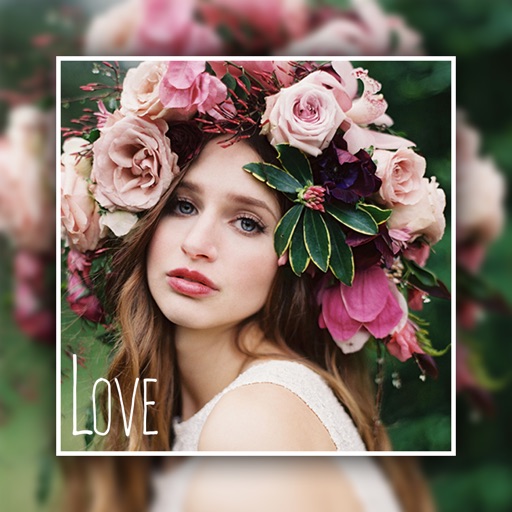
Select a from the gallery. Apply -themed including roses, daisies, sunflowers, and tulips. Add decorative elements to special photos of loved ones, children, or pets. Share edited images directly with family and friends.