Track trips with GPS for precise route recording and real-time location updates. Start and stop tracking with one tap. Log driving habits and business mileage. Sync data across devices and view detailed trip summaries.
Distances and areas using a map interface. Start recording by pressing the record button and stop with the stop button. Pause to add new sections. Tap labels to remove sections or the start point. Manage measurements by connecting points.
Use to view a digital overlay. Navigate using GPS for real-time directions. Check accuracy based on device sensors. Adjust orientation for precise navigation.
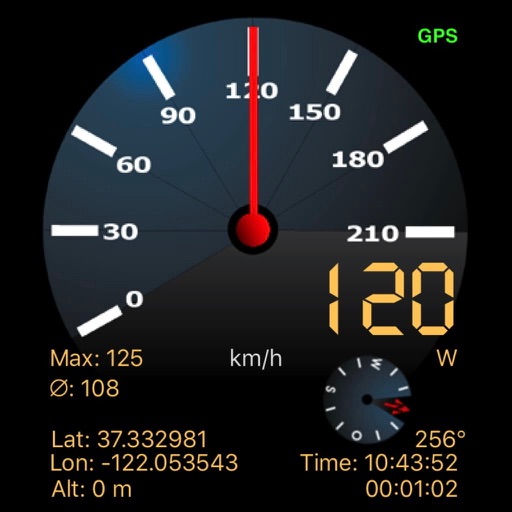
Display a compass overlay on the map. Navigate with turn-by-turn directions. Show current speed, altitude, and heading. Indicate device orientation with a level feature.
Track progress through a roadbook with symbols. Display current track totals and average speed over time or distance. Monitor distance and speed in kilometers or miles.
Record videos with speed, location, time, and date overlays. Live preview shows real-time footage except for settings overlay. Save videos to documents for download via file sharing or export to roll for viewing.