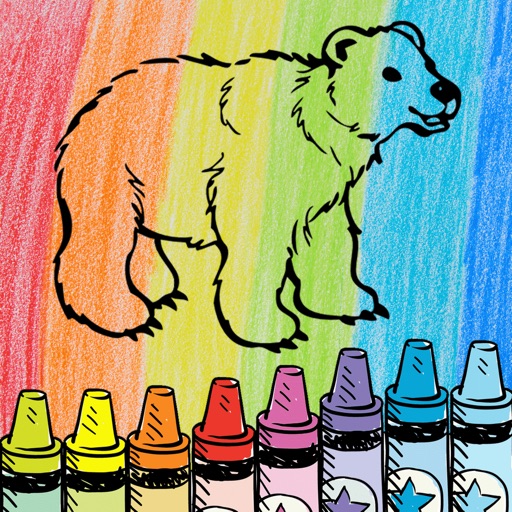
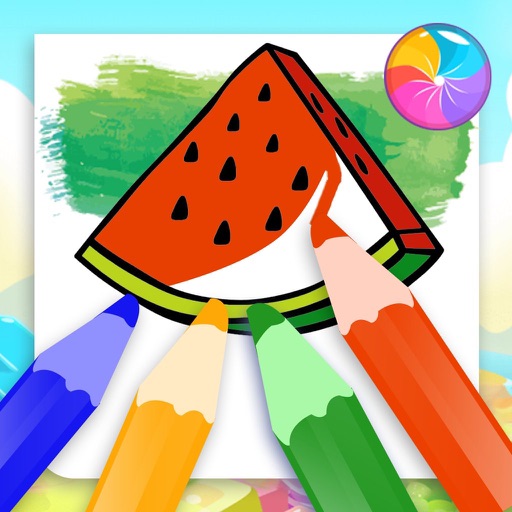
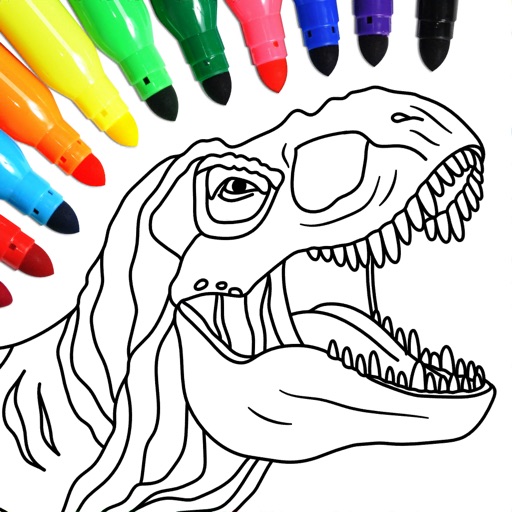
The app offers a joyful art space for kids with simple drawing tools and multiple colors. It includes coloring templates for learning and an AI feature that transforms doodles into characters.
Use AR camera to trace and sketch projected lines onto paper. Draw over real-world objects with digital ink. Save and share artwork directly. Adjust line thickness and color. Export drawings in multiple formats.
Children can draw and color using 8 different brushes including crayon, pencil, paintbrush, paintball, chalk, sponge, stickers, and stars. They can choose from over 100 pages. The includes fun effects, sounds, and stickers to enhance creativity.
Play a physics-based puzzle game where players guide two balls to collide by drawing lines and shapes. Collect various drawing tools to solve increasingly complex levels.
Facilitates video calls for families with interactive activities. Includes a library of books, games, and puzzles. Supports drawing, storytelling, and recipe making. Offers digital sticker packs for creative storytelling.
Draw on whiteboard, blank canvas, or images using pen, line, arrow, and shape tools. Edit photos with filters, adjustments, effects, and crop options. Customize tool size and transparency. Add text, stickers, and emotions.
Create and edit drawings with over 20 colors and adjustable brush sizes. Save drawings and their creation process in a built-in gallery. Replay or resume drawings at any time. Draw on iPhone, iPad, or iPod Touch.
Create art with customizable colors, brush sizes, and opacity. Import photos from camera or library. Save and share designs via social media, email, or SMS. Clear canvas for new creations.
The app allows users to draw on a chalkboard with finger-controlled chalk. It includes four chalk colors, an eraser, adjustable line width, and options to clear the board or save artwork.