Create drawings by following guided steps. Choose colors and shapes. Guess what the drawing represents. Share creations with family. Explore a colorful, interactive environment for creative play.
by BABYBUS CO.,LTD★ 4.345 ratingsEducationFreeData updated 2026-09-09
Teach through tracing, counting, and drawing activities. Practice number writing with guided exercises. Include interactive games for and preschool learning. Sync progress across devices.
Play interactive with funny animals to teach sorting and develop attention, memory, and fine motor skills. Features include animal food matching, animal recognition, and animal figure sorting. Includes calming background music and animated levels.
Learn about characteristics and habitats through interactive facts. Hatch dinosaurs by covering eggs with leaves and breaking heat balls. Feed dinosaurs with appropriate food types and observe their behaviors.
Help children practice numbers and drawing shapes through exercises. Include features for family names and creating drawings. Boosts creativity and confidence with interactive activities.
The app develops a child's creativity by allowing them to draw with colors and create music. It helps children perceive links between color, sound, and shape, offering a unique sensorial experience.
Learn letters, numbers, and shapes through interactive
Learn the alphabet and through interactive activities. Practice letter and number shapes with guided exercises. Explore shapes, colors, and numbers through playful games. Receive instant feedback during sessions.
The app lets users create music by drawing on the screen and playing instruments. Users can customize characters and remix songs with different instruments and tempo.
Play games by solving problems through drawing on the screen. Choose from addition, subtraction, multiplication, and division. Select from three difficulty levels. Unlock colors as you progress. Use freeform drawing mode for creative problem-solving.
Create and edit drawings with over 20 colors and adjustable brush sizes. Save drawings and their creation process in a built-in gallery. Replay or resume drawings at any time. Draw on iPhone, iPad, or iPod Touch.
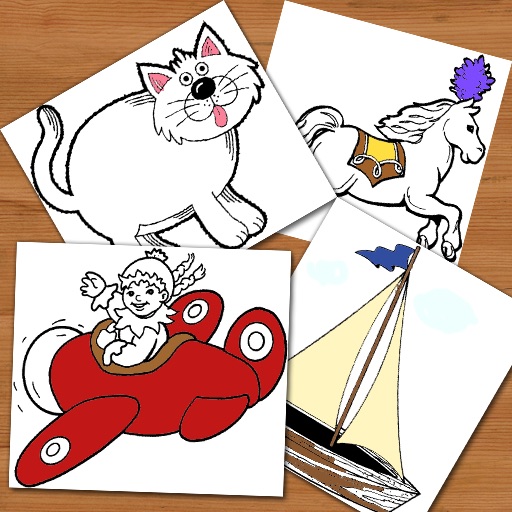
Create and color images using pre-designed templates or a blank canvas. Access a variety of drawing tools and color options. Save and share finished artwork. Develop drawing skills and foster creativity through interactive features.
Create parks by designing rides and attractions. Place characters in the for interactive gameplay. Build slides, Ferris wheels, and other structures. Develop creativity and fine motor skills through open-ended construction.
Play memory to improve recall. Engage in visual to enhance observation. Identify shapes and forms. Solve puzzles and navigate mazes. Explore music and sounds. Learn numbers through interactive activities.