Take photos with single-tap effects and professionally designed filters. Adjust brightness and contrast. Apply blur and focus. Rotate and crop images. Export edited photos in various formats.
by Quantis, Inc.★ 4.2228 ratingsPhoto & VideoFreeData updated 2026-09-09
The app creates unlimited collages with a single tap using a SmartSorting algorithm. Users can import photos, select modes, and apply various styles, text, backgrounds, filters, and stickers.
Apply live filters to enhance photos with effects. Adjust color tones and add vintage textures. Share edited images directly to Instagram. Save and view photos with analog-style filters.
Create sketches from photos or camera captures with "," "Doodle," and "Hatch" styles. Adjust colors for black-white or vibrant results. Save images with a single tap. Share generated sketches directly.
Capture photos with adjustable brightness and blur effects in live camera. Apply filters to live camera or photos. Add stickers to selfies. Share photos with friends and families.
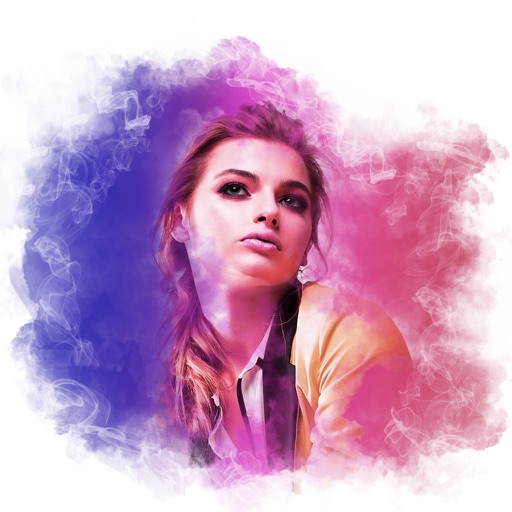
Edit photos with and vintage effects like lights, Miami Filter, and UV. Apply gradient map-based for night lighting. Create abstract designs with colored glass effects. Adjust brightness, contrast, and color balance.
Add holiday , backgrounds, and text to photos. Adjust brightness and contrast for better visibility. Share edited images directly to social media or via email.
Edit photos with professional filters, effects, and frames. Retouch images with powerful tools like spot healing and color correction. Adjust brightness, contrast, and saturation. Crop, rotate, and apply stickers.
Edit photos by adjusting brightness, saturation, and contrast. Crop, rotate, and apply special . Draw on images, add text, and create graffiti. Share edited photos directly from the .
Adds depth effects to portraits using neural network technology. Adjusts background blur manually for precision. Offers multiple blur settings to customize the artistic effect.
The app offers a large collection of Hollywood special effects for photo editing. Users can add professional composition tools like color correction, motion blur, and fog to their images.
Create photos with customizable . Select from options. Add photos from gallery or capture new ones. Apply filters for enhanced appearance. Include stickers or emojis. Save and share edited images.
The app offers photo editing tools including filters, effects, and adjustments for brightness, contrast, and saturation. Users can add text and stickers to their images before sharing them.
Edit photos with high-quality resolution and advanced filters. Adjust brightness, contrast, and saturation. Add text overlays and stickers. Crop and rotate images. Export in various formats and share directly.
Edit photos with blur background settings, shattering effects, and color frames. Add overlays and crop, rotate, or flip images. Import from gallery or camera, and share edited photos to social media.
Capture photos and videos with real-time filters applying effects during recording. Adjust filter position by tapping, swiping, or pinching. Edit videos with multiple filter styles ranging from funny to artistic. Share edited content directly.