

Apps Like MagPaint - Experiment for iPhone and iPad
MagPaint - Experiment screenshots
Ranked alternatives
Showing 401–420 of 1,000 ranked alternatives.



Tiny Souls Media
TinySouls Media Inc
Access modules and toolkits for SEL
Support social-emotional learning for children ages 2-5 with activities, games, and expert tips. Access modules and toolkits to engage families in discussions about emotions and behaviors.

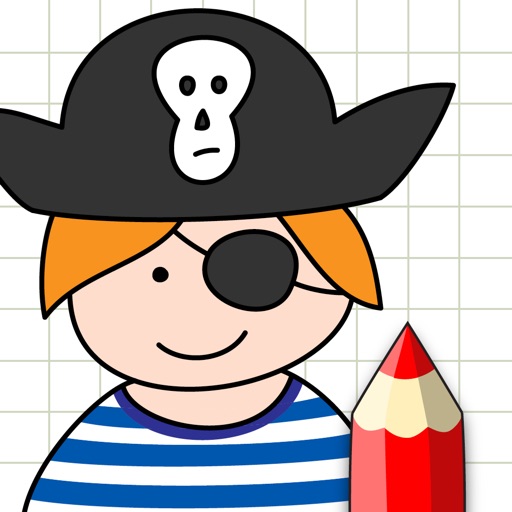
How to Draw - Step by Step
Brave Tomatoes Ltd.
Learn to draw step by step.
The app guides children through drawing with a step-by-step process. Kids can learn to draw various subjects, then color and decorate their creations in a personal gallery.





Grammar Checker: AI Corrector
淑环 关
Check , correct errors, refine writing
Check text for errors with instant corrections and detailed comparisons. Highlight mistakes and suggest alternatives. Access a dictionary and paraphrase tools to improve writing clarity and accuracy.

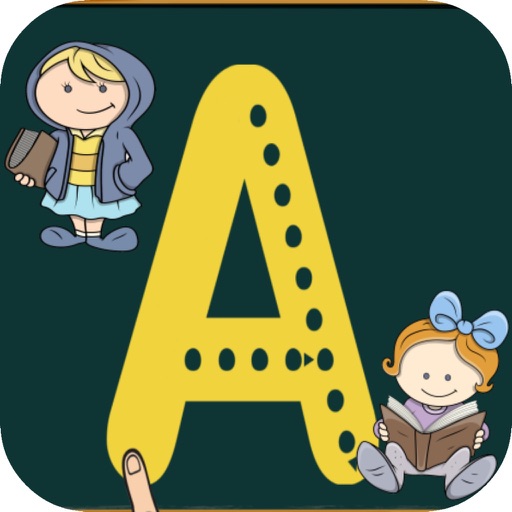
Write the alphabet
Alexandre Minard
Children learn to draw letters.
The app helps children learn to draw letters and practice copying them. A letter drawing algorithm identifies errors and provides rewards on iPad.

DOBOT-MAGICIAN
Shenzhen Dobot Corp Ltd
Draw, save, and edit with robot arm
Control a robotic arm to draw or write. Users can create art on a drawing board, save or undo drawings, scale images, add text, and repeat actions. Features include unlimited undo, texture application, and direct manipulation of the robotic arm.


How we rank alternatives
Apps are ranked by functional similarity, category fit, rating confidence, and popularity.