
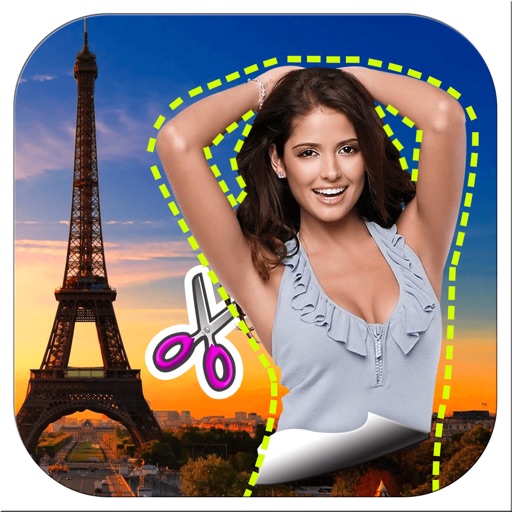
Apps Like Pic Cut Out - Background Paste for iPhone and iPad
Cut out backgrounds and images
Remove backgrounds from images by drawing a closed curve. Automatically erase similar color areas for transparent results. Adjust brush size for precise edits. Pan, zoom, and rotate images.
Pic Cut Out - Background Paste screenshots
Ranked alternatives
Showing 721–740 of 1,000 ranked alternatives.

Egg Draw LITE
ATBOSH Media Ltd.
Symmetrical Easter eggs with custom colors
Create symmetrical Easter egg drawings with customizable background and brush colors. Select from four brush sizes. Save or share artwork. in random mode for automatic brush size changes.
PikLab Photo Editor : Collage Maker Filters Effect
Benyapa Nasusin
Edit photos, add effects, remove blemishes
Edit photos with enhancement tools, effects, and frames. Add stickers and overlays. Crop, rotate, and adjust brightness, contrast, and saturation. Remove blemishes and red eye. Apply color splash and sharpen or blur images.


SnapEdits
Amir Dorazahi
Edit photos with AI prompts and share
Edit photos with AI-powered transformations using text prompts. Remove objects, change backgrounds, and apply artistic styles. Adjust colors and lighting. Save and share edited images. Zoom and pan for detailed editing. No complex tools required.


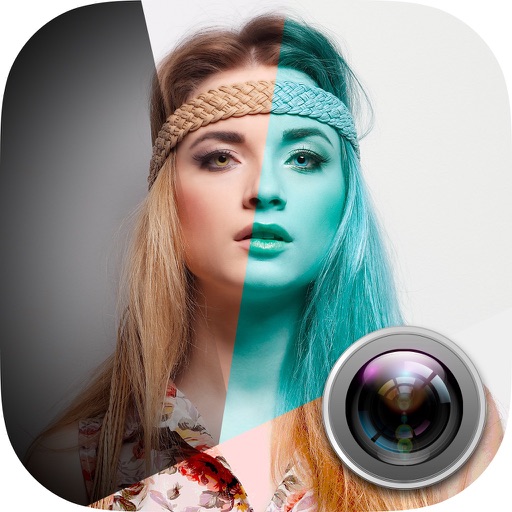

Photo Art Studio - The Best HD Collage Maker+Insta Magic Art Pic Frame Editor
Tuan Tran Anh
Create greeting cards and collages.
The app allows users to edit photographs by adjusting brightness, tint, and balance. Users can apply filters such as Sepia, Colorize, Wave, Watercolor, and Color Reduction to create collages and greeting cards.


Beauty Camera: Selfie, Sticker
Makvana Nilesh
Edit photos, videos, and selfies
Take selfies with filters and HD video recording. Edit photos with face enhancement tools and color adjustments. Add stickers and text. Share directly to social media. Record and edit videos with basic trimming options.

Photo Filters & Glitch Effects
Pavel Mishanin
Edit photos with LUT and curves
Edit photos with crop and rotate tools using templates. Apply LUT to change the mood. Adjust colors with color curves. Add blur in various styles. Use basic tools for contrast, brightness, and vignette.


How we rank alternatives
Apps are ranked by functional similarity, category fit, rating confidence, and popularity.