The app offers photo enhancement, effects, stickers, and drawing tools. Users can adjust brightness, contrast, and saturation, and remove blemishes or whiten smiles.
by Hung Nguyen★ 5.02 ratingsPhoto & VideoFreeData updated 2026-11-25
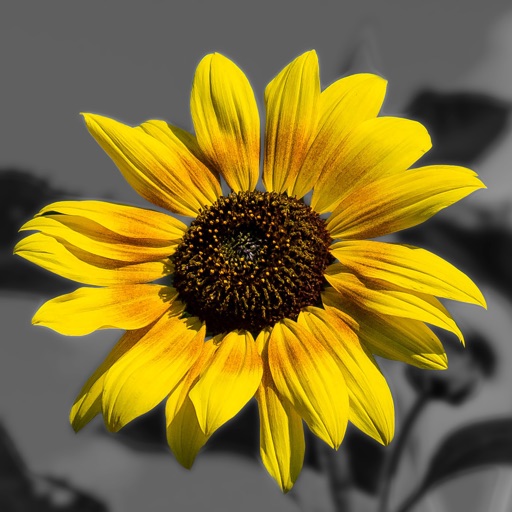
Edit photos by converting them to and and selectively adding with brush tools. Choose from various brush sizes and styles. Apply filters for creative effects. Undo changes with a single tap.
Edit photos with filters inspired by 70s, 80s, and 90s film cameras. Add light leaks and dust overlays. Adjust brightness, contrast, and saturation. Save edits in various formats and share directly.
The app allows users to customize their iPhone camera with various atmospheric photo styles. It offers adjustments for brightness, contrast, blur, focus, and vignetting, along with 18 color filters.
Edit photos with filter effects, focus effects, color filters, and blemish effects. Add text, overlays, and splash effects. Create slideshows with animations, background images, and . Choose from built-in tracks or import from the library.
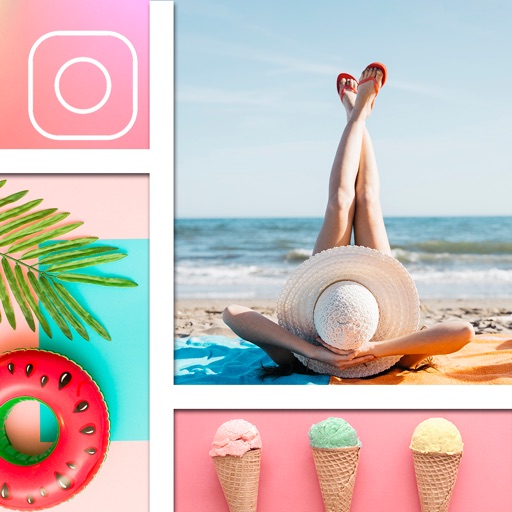
The app allows users to remove or change colors and edit multiple photos. It provides quick access to change history and a suitable cropping tool for creating collages.