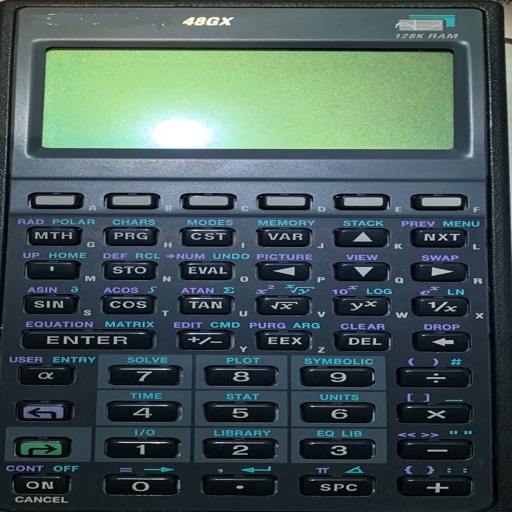
A scientific calculator with RPN input. Perform complex calculations, access trigonometric and logarithmic functions. Store and recall values. Use a simplified keyboard layout for easier navigation.
by Pascal Meheut★ 4.915 ratingsProductivityFreeData updated 2026-09-09
Allows users to perform calculations using natural language inputs. It supports various units and functions for problem-solving. Users can handle currency conversions and date math in real time. The enables equation editing and result tracking.
Perform -based calculations with addition, subtraction, multiplication, and division. Input and display in days, hours, minutes, and seconds. Customize format preferences. Convert between different units.
Manage projects with gesture-based navigation on charts. Sync projects across devices. Share projects with teams. Integrate with Microsoft . Store projects locally or in iCloud Drive.
Turn your into a for quick math operations. Perform basic and advanced calculations directly in any . Input numbers and equations using the on-screen . Get results instantly without switching apps or copying values.
Simulate the HP-38C calculator with real-time input and output. Perform financial calculations, program custom functions, and use reverse Polish notation. Supports HP-12C compatibility for most operations.
Write, research, revise, and share with advanced formatting and support. Edit documents, organize notes, and sync with Dropbox. Customize themes and use keyboard shortcuts for efficient workflow.
Plus provides arithmetic and scientific calculations with live expression preview and error detection. Perform operations in exact form, fractions, and scientific notation. Switch between standard and scientific modes. Share results directly.
Calculate metal weights with support for multiple metals, shapes, and units in both metric and imperial systems. Perform offline calculations without background processes. Save settings and favorite calculations.
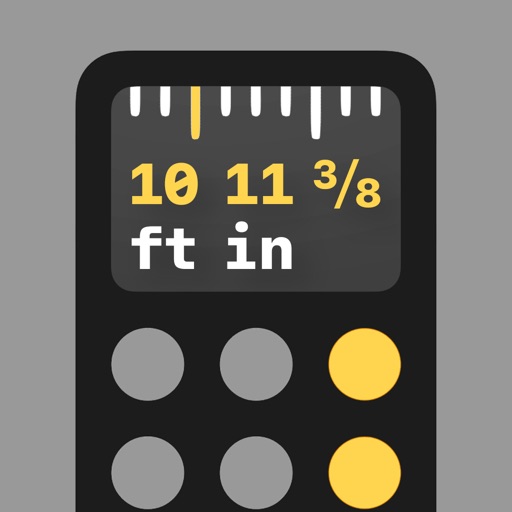
Perform calculations with math functions and trigonometry. Switch between units like feet, inches, yards, and metric. Visualize measurements and fractions. Track projects with customizable templates. Export results in various formats.
Perform calculations with a standard interface and advanced engineering functions. Input numbers and equations, use parentheses, and access scientific operations. Adjust display settings and save history for quick reference.
Identify and remove duplicate photos and videos by scanning the gallery. Compress files to free up space. Monitor device performance and . Organize files with intelligent sorting and filtering.
Convert units across 16 categories including temperature, currency, distance, weight, and volume. Access a standard and scientific within the . Units are organized by usage frequency with commonly used units displayed first.
A that scrolls text as you read. Display scripts on iPad with Zoom in multitasking mode. Overlay text during video calls. Free for scripts up to 750 characters. Works on all iOS devices.
Edit schematics, calculate values, and test circuits
Manage components with a database of resistors, capacitors, and diodes. Calculate circuit values using Ohm’s Law and power formulas. Access schematics, datasheets, and component symbols. Convert units and view component ratings.
Calculate and edit expressions with a -like interface. Add comments and corrections instantly. Share results or save calculations as notes. Supports multi-line input and basic arithmetic operations.
Calculate dice rolls for tabletop games with support for simple and complex formulas. Enter expressions like "1d4" or "(3d100 + 5d7) x 3d2". Save frequently used rolls with labels. Perform arithmetic operations on dice results.
Performs basic arithmetic and scientific calculations. Save equations and results for later. Unit Converter converts units for area, length, temperature, and more. Includes tools for currency exchange, date calculations, and percentage computations.