Control IP cameras with tap-to-center or tap-to-move functionality. View multiple camera feeds in a single interface. Adjust camera settings and receive real-time notifications.
by Jiale Huang★ 4.342 ratingsPhoto & VideoFreeData updated 2026-09-09
View live video feeds from multiple cameras and receive instant push notifications. Playback recorded video to review events. Manually record video or take snapshots to send. Set up and control the security system.
Take instant photos with virtual cameras and share them instantly. Capture multiple photos with friends. Photos are processed daily at 9am and become viewable afterward. Save and relive favorite moments anytime.
View and manage security camera footage remotely. Request on-demand photos and videos. Adjust camera settings and access galleries. Receive real-time updates and notifications. Monitor 24/7 without requiring Wi-Fi or electricity.
Secure allows users to and monitor home surveillance cameras remotely. Scan home networks for unauthorized devices. Supports multiple brands for easy integration and control.
View and manage LTE trail cameras. Access photos, adjust camera settings, check status, and manage your account. Activate or deactivate LTE data plans. Use help tools and sync with GEN3 firmware cameras.
Connect motion cameras for real-time preview and parameter control. Download images and videos quickly. Edit photos and videos with filters, cropping, and music addition. Share, like, comment, and collect content within a community.
Enables remote monitoring across multiple locations. Users can set recording schedules, receive alerts for camera health issues, and access live feeds. AI features detect people, vehicles, and animals in real time.
View real-time video feeds from P2P network cameras installed at home or office. Capture images and record videos. Access camera settings and manage connected devices. Receive notifications for motion detection or alerts.
Setup trail cameras via Bluetooth. View live video to confirm installation. Adjust camera settings remotely. Browse photos and videos stored on the device. Download media to smartphone gallery for sharing.
Stream live footage from connected WiFi cameras. Manage multiple IP cameras and view real-time feeds. Receive motion alerts and save recordings remotely. Control settings and access history from anywhere.
View live feeds from IP cameras. Adjust image brightness and contrast. Flip or mirror images. Control LED and infrared functions. Select compatible models from a list.
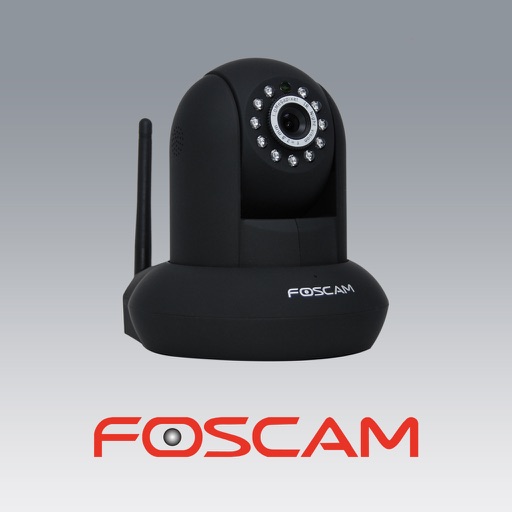
The app allows users to view and control Foscam IP cameras from an iPhone or iPad. Users can watch their home, kids, and pets remotely with a 3G or WiFi connection.