Manage emails with swipe gestures to apply actions. Create quick-reply templates for efficient responses. Organize messages and access email folders directly. Sync with NAS and for full functionality.
by Synology Inc.★ 3.819 ratingsProductivityFreeData updated 2026-09-09
Manage contacts with an address book that syncs across devices. Track contacts through stages like finding, , and onboarding. Update notes, locations, and send texts, emails, or make calls directly.
The app creates and removes mail folders for Imap accounts. Users can organize emails by moving them into folders and use folder redirection to move emails from the INBOX to other folders based on rules.
Customizable with large text that can be pressed. Export laps in CSV format. Start, pause, and reset by pressing or long-pressing text. Add laps by swiping down. Adjust displayed milliseconds. Undo accidental reset. Delete laps by swiping.
Generate temporary addresses instantly and copy them with one tap. Receive emails anonymously without personal data collection. Read and manage emails without registration or data tracking.
Identify and remove duplicate photos and burst shot series with intelligent scanning. Clean camera roll clutter with a single tap. Free up space and optimize device performance.
Offers text prediction, auto-correction, and response suggestions. Users can customize typing preferences, adjust grammar settings, and enable smart reply options. The integrates with iOS messaging apps for real-time suggestions.
Create and share custom emojis by selecting from 200+ free arts categorized into 9 types. Choose emojis for text messages or social media. Save and reuse favorite emojis across devices.
Create temporary email addresses instantly. Receive and manage emails, including attachments, within the . Automatically delete emails to ensure privacy. Protect personal email accounts from spam and unwanted messages.
With an AI to get instant answers to any question. Choose from different AI characters with unique features. Use Smart Scan to solve problems by analyzing images. Perform tasks like writing, coding, and planning.
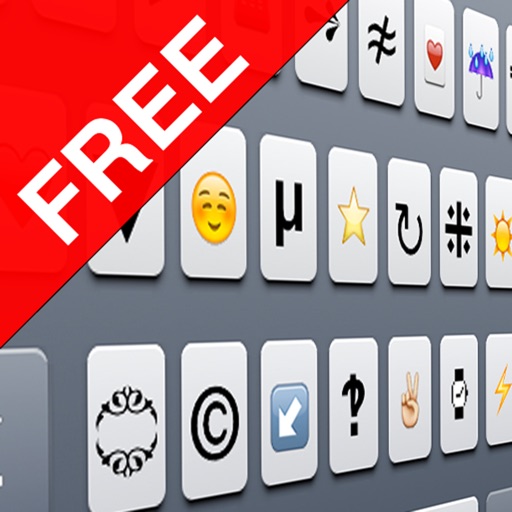
The app displays supported Unicode characters for iPhone and iPad, excluding those that appear as boxes. Users can tap characters to copy them for use in messages and emails, with options to search by name or block.
Browse listings in a clean, formatted layout without zooming. Search across categories and cities. Bookmark listings for later. Reply to posts using the mail with pre-filled information.