Control smart TV with touch gestures and button mappings. Adjust volume, change channels, and navigate menus. Use as a wireless mouse or keyboard for desktop applications. Pair via Bluetooth or Wi-Fi.
by Qingdao Hisense Media Networks LTD.★ 2.9115 ratingsUtilitiesFreeData updated 2026-09-06
Compatible TVs via Wi-Fi network connection. Tap, swipe, or speak to operate TV functions. Instantly pair with all compatible TVs. View and adjust settings like volume, input sources, and power.
Control cast-enabled streaming devices with full functionality. Launch apps, adjust volume, navigate menus, and enter text. Automatically detect and connect to devices. Use a large touchpad for precise input.
Control gate and garage door access remotely via mobile device. Open and close doors from anywhere. Store user preferences for quick access. Integrate with SMART and ULTRA systems for seamless operation. Manage access settings and monitor activity.
Control Smart TV functions from a mobile device. Navigate channels, adjust volume, and access menus. Use a built-in keyboard, voice commands, and a touchpad to operate the TV. Manage apps and settings remotely.
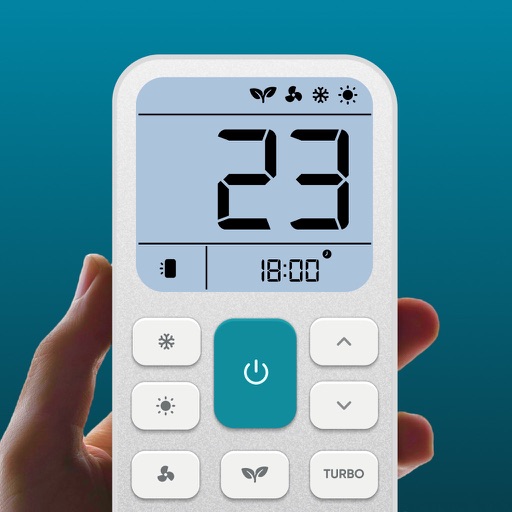
Control air settings from a smartphone. Adjust temperature, switch modes, set timers, and change fan speed. Connect to multiple AC units. Compatible with various brands. Manage cooling or heating remotely. View and adjust schedules.
Access devices via WiFi without a physical . Load installed streaming channels and launch them quickly. Stream favorite recorded moments from photos and videos to devices.
Control smart TVs and streaming devices with functions. Adjust volume, change channels, and manage power settings. Pair easily with major brands. No extra hardware needed. Some features require a subscription.
Control TV with swipe or tap navigation. Stream audio to iPhone. Access widgets for quick control. Type directly for instant searches. Adjust volume and settings remotely.
Control volume and manage multiple instances. Browse, search, and sort your media library. Access favorites and view live playback details. Display music covers, movie posters, and actor thumbnails.
Control Roku TV devices with this . Navigate menus, play/pause content, adjust volume, and launch apps. Access all buttons and functions of the original . Requires same Wi-Fi network for connectivity.
Access computers remotely with full control. View and interact with Mac, Windows, Linux, or Raspberry Pi . Transfer files between devices. Lock or restart computers remotely. Use touch gestures for navigation.
Control your TV with touchpad navigation and full remote functionality. Access expanded channel options and enjoy ad-free viewing. Subscribe for enhanced features and automatic renewal.
Connect to TV for remote control. Navigate using arrow keys for TV interaction. Manage TV apps from the remote interface. Adjust volume with responsive controls. Requires same Wi-Fi network for connection.
TV functions such as channel switching, volume adjustment, and power settings. Access streaming services and manage playback. Customize button layouts and save preset configurations for different devices.