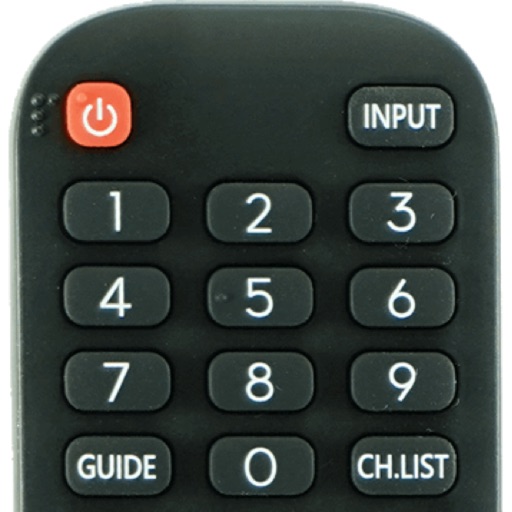
Control smart TV with touch gestures and button mappings. Adjust volume, change channels, and navigate menus. Use as a wireless mouse or keyboard for desktop applications. Pair via Bluetooth or Wi-Fi.
by Qingdao Hisense Media Networks LTD.★ 2.9115 ratingsUtilitiesFreeData updated 2026-09-06
Control TV functions by swiping through menus and launching apps with a single tap. Type faster with on-screen keyboard. Search using voice commands. Manage media players and smart TVs remotely.
Your TV or media player from an iOS device. Adjust channels, manage playback, and navigate menus remotely. Access a customizable interface for seamless media interaction. Sync with supported devices for real-time .
TV with a touchpad for navigating menus and launching channels. Automatically detects Smart TV on the same Wi-Fi network. Simplifies with a clean interface and direct channel access.
Control for with touch gestures and three large buttons that adapt to different screens. Navigate media library, search for movies and TV shows, and play content directly. Use a big time slider to seek through videos.
Control media playback on Mac or Windows PCs via WiFi. Adjust volume, skip tracks, and pause playback. Supports , YouTube, Hulu, Vimeo, and iTunes. Requires computer and installation. No physical needed.
Control your TV using a phone as a . Select your TV brand and connect quickly. Access buttons for power, volume, and channel control. Manage multiple devices and save custom layouts. Replace physical remotes with a digital solution.
Control devices with touchpad gestures and buttons. Adjust volume, change channels, and operate TV functions. Cast photos and videos to TV. Launch favorite apps directly from the home screen. Manage multiple devices with a unified interface.
Securely connect to any computer worldwide using RDP or VNC protocols. Access remote desktops with Fluid Remote protocol for high performance. Set up quickly and reliably. Control remote machines with mouse and keyboard input.
Control network-enabled devices with functions. Stream music wirelessly to compatible speakers. Manage playlists, play, pause, and adjust volume directly from the .
TV functions such as power, volume, and channel navigation. Adjust input sources and mute settings. Support for multiple Smart TV brands including Roku, Samsung, LG, Sony, Amazon Fire TV, Panasonic, Philips, Toshiba, and Vizio.
Devices with preloaded models including EN3V39H, 55H6E, and 55R6000E. Access saved profiles for quick use. Navigate with a fast touch pad and keyboard. Use a clean interface to manage device functions without installation.
Control media playback with remote commands, adjust volume, and switch channels. Access a library of streaming content. Manage playback settings and device connections. Sync with compatible TVs and streaming devices.
Roku devices with a interface. Search for content via voice or keyboard. Connect headphones for private listening. Access free movies and live TV through The Roku Channel. Cast media from phone to TV. Add subtitles and adjust audio settings.
Control compatible car multimedia receivers via Bluetooth. Select radio stations or USB music tracks from the rear seat. Display source information on the smartphone screen. Use gesture controls for play, pause, skip, and repeat in drive mode.
Turn your phone into an remote . Navigate menus, access apps, and control streaming content. Support basic navigation and quick response for streaming and game interactions.
Stream media from your Camera Roll to TV. Connect devices to the same Wi-Fi network and pair them for setup. Use the control to manage playback. Access apps and channels on-screen. Input text with the keyboard for searches.
Control TV or TV Stick devices remotely from any location. Adjust volume, navigate menus, and launch apps. Support for TV Stick 4K. Pair via Wi-Fi. Perform basic functions without physical device.
Control TV device by detecting it automatically over Wi-Fi. Stream photos and videos from Camera Roll to TV. Pair iPhone or iPad with TV for playback. Manage media content directly from mobile device.