The app allows users to design, simulate, and learn analog and digital electronics. Its simulation engine provides real-time analysis, enabling users to interact with powered circuits and observe results instantly.
Learn fingering positions with visual charts and audio demonstrations. Choose between Bb and C trumpets. Listen to each note's sound. Access lessons for beginner guidance. View interactive demonstrations by a live player.
Create and edit drawings using various tools like Pen, Line, Arrow, Rect (Stroke/Fill), Ellipse (Stroke/Fill), Eraser, and Text. Choose from multiple colors including Black, Red, Green, Blue, Yellow, and more. Save or share drawings directly.
The app reveals how faces would appear if the right and left sides were symmetrical. Users can load or take photos, process them, and compare facial sides.
The app provides a paint board for children to draw, paint, and color. It features a new UI, an intuitive color picker, three pen sizes, and an album for saving drawings.
Flip videos by swiping left, right, up, or down. Rotate videos using two fingers. Adjust playback speed and add text overlays. Share edited videos directly to social media.
Pollux Bilisim Teknolojileri Sanayi ve Ticaret Limited Sirketi
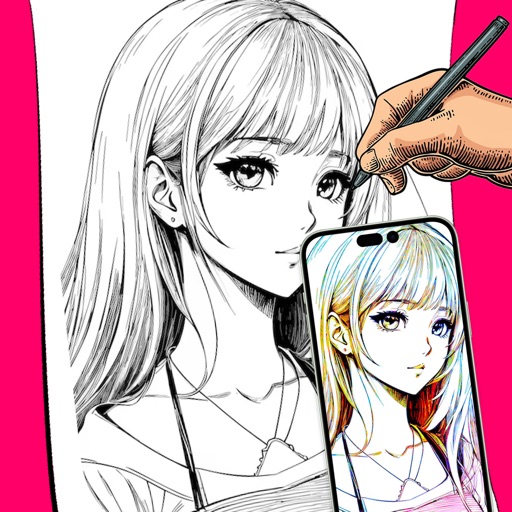
Sketch on photos with AR
Use AR to sketch and draw on photos with realistic ink effects. outlines or create pencil sketches from images. Convert photos into artistic drawings with AI-powered tools. Save and share finished artwork directly.
Add live effects to photos and videos. Apply favorite effects to create dynamic content. Share directly via text, Facebook, or Instagram. Edit and customize selfies with interactive elements.