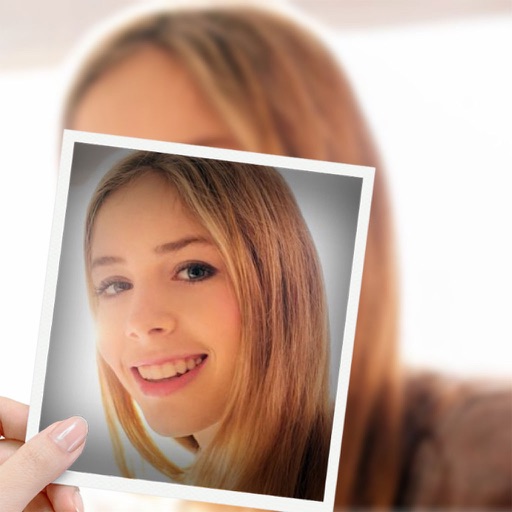
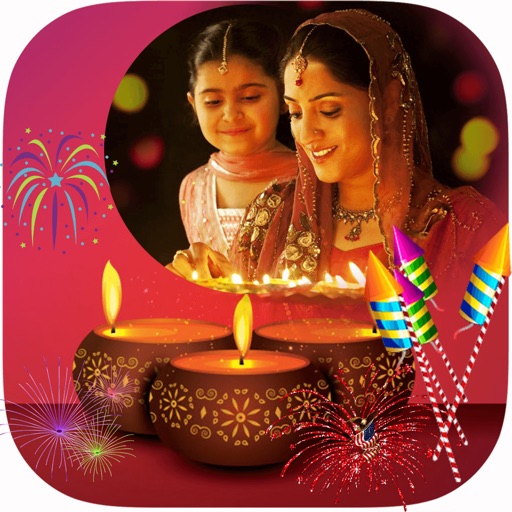
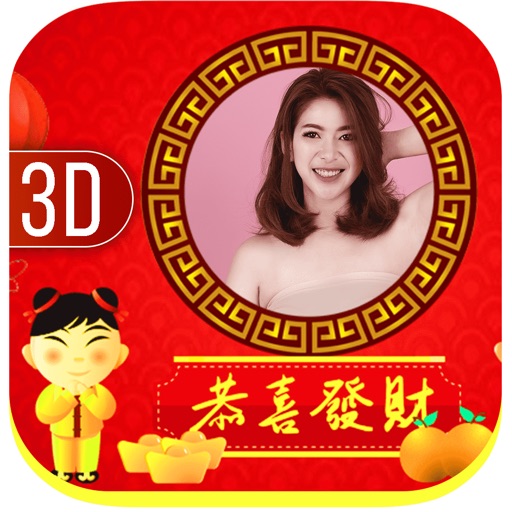
Decorate photos with festive frames and color effects. Add bokeh effects and stickers. Share edited photos directly with contacts. Apply pre-designed frames and customize colors for images.
Take selfies with pip effects and apply filters like sepia and vintage. Create collages and edit photos with various effects and frames. Select images or capture new ones and enhance them with pip features. Share edited photos directly.
Create photos with customizable . Select from options. Add photos from gallery or capture new ones. Apply filters for enhanced appearance. Include stickers or emojis. Save and share edited images.
Edit photos by adding customizable frames based on metadata themes. Choose or create frames manually if metadata is missing. Save and share framed photos directly.
Apply frames to images. Adjust frames to fit photos. Edit images with special effects. Save and share edited photos. Switch between different frames easily.
Apply effects to photos and videos by inverting colors. Adjust brightness and contrast. Save edited media to gallery. Share directly from . Draw on images to customize effects.
Create photos with customizable and . Apply fun, colorful to images. Share edited photos on social media. Adjust brightness, contrast, and saturation. Add text overlays and stickers. Export images in various formats.
Edit photos with filters, effects, and adjustments. Add text with multiple fonts, colors, and effects. Overlay text or add captions and 3D text. Include stickers, artwork, and frames. Create collages and personalize cards with photos.
Create animations using frame-by-frame drawing on photos. Add doodles and export as GIF or video. Share finished animations with friends. No advanced drawing skills required.
Edit photos with multiple props, frames, and effects. Apply presets and overlays. Capture photos in portrait, landscape, or square orientation. Share images directly to social media. Supports iPad, iPhone, and iPod Touch.