Control music apps via a secondary screen with . Switch between apps, record or toggle loops in Loopy HD, navigate patterns in Patterning, adjust effects, and change presets. Supports Split View and Slide Over modes.
by Audiobus Pty. Ltd.★ 4.627 ratingsMusic$4.99Data updated 2026-10-10
Play virtual organs with authentic sound samples. Select preset tones and effects. Adjust volume and pitch. Save and share recordings. Explore classic rock tracks and soundscapes.
Simulate springs, control vibrations, create sounds
Create and customize sounds using physical-modeling synthesis. Adjust parameters like gravity, friction, and spring behavior. Access a large library of presets. Save and recall custom sound settings. Export audio files for use in projects.
A 4-band parametric stereo equalizer with peak, low-shelf, and high-shelf filters. Adjust gain, frequency, and Q for each band. View real-time frequency response graphs. Apply effects for subtle enhancements or aggressive boosting.
Manage sound files and MIDI files by organizing, renaming, and moving them. Record, trim, convert, normalize, and transfer files between apps or devices. Import and export audio, zip and unzip files, and create folders for easy access.
Create and save multi-track music projects on iPad, iPhone, or Mac. Record and import audio tracks, browse samples with previews, apply effects, and use high-quality synthesizers and drum kits. Edit, mix, and render complete songs.
Create and explore drum sounds using algorithms. Generate unique sets of 12 drums with 8-character codes. Save, copy, or paste codes for later use. Access sounds via AUv3 and Audiobus.
Adjust audio signals with sixteen modes and resonance controls. Modify frequency response visually. Apply saturation for analog-style clipping. Blend wet and dry signals. Use a 4 pole lowpass mode for classic Moog ladder sound.
Create basslines using a virtual TB-303 synthesizer. Adjust waveform shapes, filter settings, and envelope parameters. Save and export audio files. Import and manipulate MIDI files. Sync with DAWs for music production.
Create and edit music using a modular synthesizer with a pattern-based sequencer. Import XM and MOD files. Record audio via microphone or line input. Export multitrack WAV files. Support 16/24/32bit audio formats and MIDI input/output.
The app offers a virtual fretless bass instrument with a piano-like note layout. It provides 13 sampled bass sounds and supports MIDI input/output, Audio Unit 3, and Audiobus.
The app allows users to create music by drawing lines, curves, and squiggles to input pitch and volume. Users can manipulate paths to create unique sounds and sync them to GarageBand for live performances.
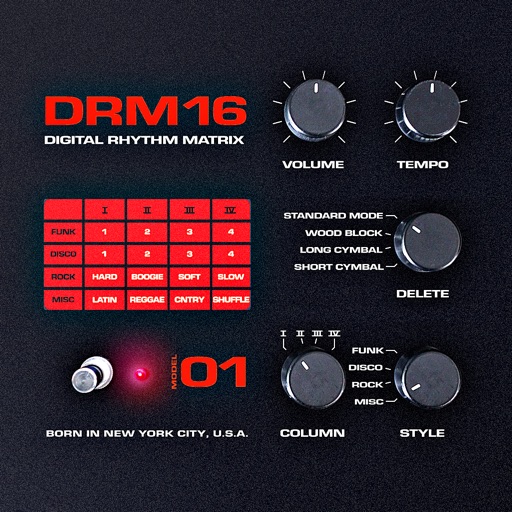
The app provides a quick and easy way to create beats using inbuilt or imported sounds. Its pattern editor sequencer allows for simple drag-and-drop rhythm tweaking.
Create and play music with a variety of vintage sounds. Record and compose tracks. Perform live with customizable patterns and effects. Export audio files and share directly.
Create and manipulate sounds using additive synthesis. Adjust sine wave parameters to shape timbres. Layer multiple partials to build complex tones. Save and export custom sound designs. Import and export audio files for further processing.