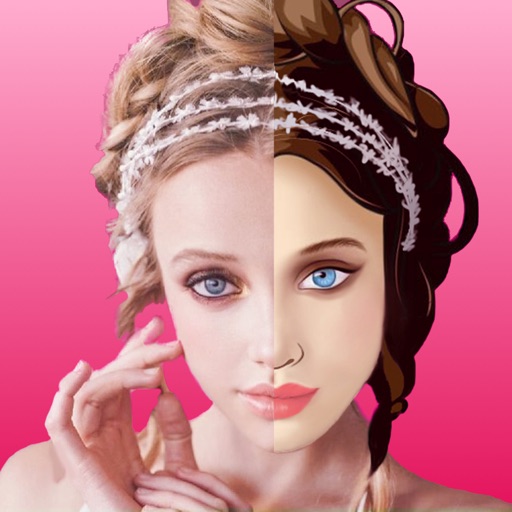
Create AI photorealistic avatars from uploaded photos in styles like Professional Headshots, Video Game, Cyberpunk, and Anime. Choose from 5+ styles. vatars in about 20 minutes. Export and share the resulting artwork.
Edit videos by adding from a catalog or personal library, adjusting volume, and trimming tracks. Include voice recordings with trimming and volume control. Add custom text with size, duration, and positioning options.
Record photos and videos with retro effects including black/white mode, glitch effect, CRT line effect, and retro style filter. Switch between front and back cameras. Zoom in and out. Save recordings in photo or video format.
Translate dog barks into human language and vice versa for real-time communication. Decode canine emotions with AI analysis. Play interactive quiz to learn dog behavior. Listen to realistic bark sounds and squeaker toys for entertainment.
Edit photos with 100+ presets and trending filters. Apply drip art, neon, and spiral frame effects. Add typo text and customize image sizes for social sharing. Use AI-powered background eraser and blend tools.
Edit videos and photos with background addition for portrait or landscape formats. Apply blur effects without cropping. Share edited content via a new sharing screen. Access media across devices from a centralized library.
Turn old photos into digital scans using your iPhone’s camera. Edit images, apply filters, and add notes to each . Save scans to your phone’s gallery and share them with others.
Photos by tapping to automatically backgrounds or specific objects using AI. Select images from the library or camera. Adjust intensity and apply effects to hide unwanted details. Export edited photos directly.
Using custom transitions. Select or from the library. Apply dissolve or fade transitions between clips. Adjust volume and trim video clips. Set photo durations and choose orientation. Save to Camera Roll or share to social media directly.