Create music by rotating and positioning your device like a . Snap frequency to notes for precise tuning. Choose from three waveforms. Practice or perform with real-time sound output.
by Lennart de Meij★ 1.03 ratingsMusicFreeData updated 2026-09-09
Play interactive games to improve listening skills using music. Complete quests to earn notes and scores. Unlock new content and explore guided listening maps. Learn about music through engaging activities.
Create a private timeline to share daily entries with others. Write and save entries with a clean, minimal interface. Customize appearance and add photos or stickers to entries. Share entries with selected contacts.
Tune musical instruments by selecting frequency and tuning settings. Display pitch levels for each string when played. Calibrate piano sound using an open string and . Adjust A4 frequency to 442 Hz.
Switch gauges, scroll frequencies, touch to control
Access and customize flight simulator gauges with multiple layout options. Switch between instrument panels for precise control. Use multi-touch for frequency adjustments or knob-like scrolling.
Measure voltage, current, and temperature remotely
Monitor electrical systems by measuring AC/DC voltage, current, resistance, frequency, and temperature. Wirelessly transmit data up to 30 meters. Store and view measurement history. Control connected devices remotely.
Play a virtual accordion with a one-row fingerboard that mimics the IV's layout and 4-reed sound. Practice scales, chords, and songs. Use headphones for private practice or connect to audio output for playing.
Monitor equipment operation in real time. View CPU max and current frequency. Check RAM memory usage. Track network status with local and public IP addresses. Measure upload and download speeds.
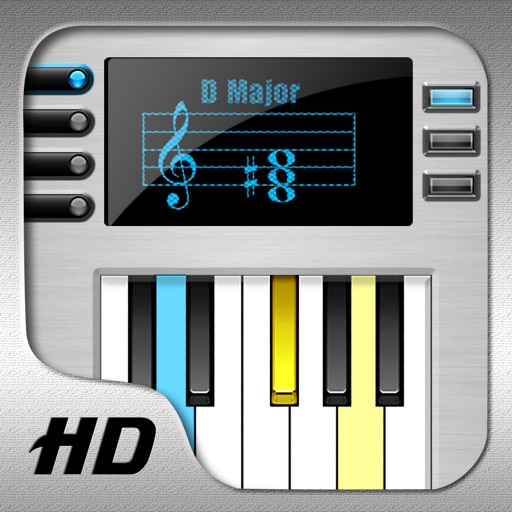
Learn by selecting root and type, then touch the to hear them. View music notation and highlighted notes on the LCD screen. Practice chord identification and sound recognition.
Quickly upload and manage and sound clips with simple taps. Play clips instantly with fast playback. Customize solo and loop settings. Create and organize dashboards for instant access. Add sound effects and to various environments.
Helps users improve listening skills through music theory exercises. It includes pitch dictation with solfege or pitch naming, chord identification, and interval recognition.
Access and customize templates for melodies and lyrics. Edit and view PDF . Save and share arrangements. Sync with notation software. Track progress with practice sessions.
Create and manage custom lists with configurable fields and categories. Add items, set priorities, and organize by type. Access lists across devices and sync changes in real time.