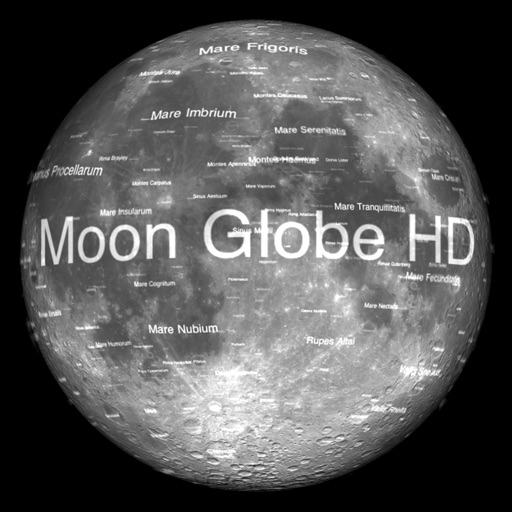
The app displays Earth's Moon in realtime 3D using satellite imagery and topographic data. Users can manipulate the view, switch to Telescope mode, and adjust the display time to observe shifting sunlight on the lunar landscape.
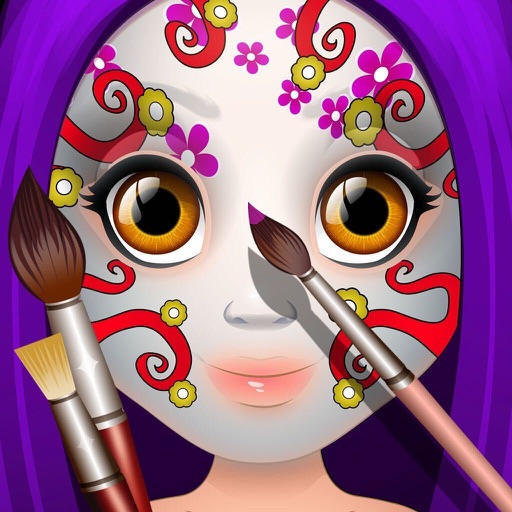
Create paintings by selecting colors or designs, then applying them to a character's with a finger. Choose from sparkly, gold, and silver paints. Customize characters and save or share creations.
Learn at your own pace with HD video classes covering various creative skills. Download lessons to watch offline. Engage in a community-driven environment to build confidence and express creativity through projects.
Explore 249 countries and 50 U.S. states with realistic flags and national anthems. Tap to play anthems, double-tap to link to Wikipedia. Use gesture controls to navigate the 3D . View time zones and country information in multiple languages.
Access audiobooks, podcasts, eBooks, and read-along videos
Access audiobooks, podcasts, eBooks, and read-along videos through a subscription. Search and play content from a library. Promotes active imagination and reduces screen time. Share content with others. Track reading progress. Adjust playback speed.
Create and share digital art with coloring pages, art games, and tracing tools. Design in 3D and display creations in a personal digital museum. Collaborate on drawings with friends and family.
Learn iOS development through interactive with tap, double tap, long press, drag and drop, and shortcut actions. Practice coding features directly in . Solve problems through hands-on exercises and receive real-time feedback.
Learn to play the with interactive lessons and real-time feedback. Access a library of traditional and modern pieces for practice. Play using a realistic virtual instrument. Book live lessons with experienced instructors.
Read and navigate the with scanned pages of an authenticated printed version. Access surah and juz lists for quick navigation. Tap to view ayah numbers and jump to specific verses. Set daily reminders for recitation or reflection.
Allows users to draw freely within borders, fill areas with chosen colors, and erase parts. Save, share, and print artwork. Adjust background music or use personal tracks. Features a simple, intuitive interface.
Moves through step-by-step video tutorials. Break down choreography into manageable parts. Choose from K-pop, hip-hop, or classic styles. Track progress and practice at home without prior experience.
Create books using templates, add text and images from device files. Design covers and pages. Publish as print or eBook. Share books via email or cloud storage.
And navigate the King James Version by book, chapter, or verse. Bookmark verses, switch between Old and New Testaments, and save favorite passages. Share verses, set reading progress, and enable text-to-speech for audiobooks.
Access monthly digital issues of QST, the membership journal. Read news, construction guides, tutorials, and other content. Subscribe for updates. View articles and special features not available in print.
The app allows children to explore cooking through mini-games. It features 10 recipes, including pizza and apple pie, and involves activities like slicing, frying, and baking.