The app is a virtual musical instrument that expands on the chorded zither concept. It supports multi-touch and can function as a MIDI controller, translating innovations to MIDI.
by Henry Lowengard★ 4.911 ratingsMusic$4.99Data updated 2026-11-21
Stream audio, MIDI, and OSC data through a USB connection to integrate iOS into music production. Control apps with MIDI controllers or send OSC messages to compatible software. Sync multiple iOS devices using Ableton Link for seamless collaboration.
The app allows users to compose music scores with various symbols and multiple tracks. It supports different instruments, transposing instruments, and playback.
Create and arrange melodies, bass lines, and drum beats by moving dots on the screen. Switch chords and patterns instantly. Apply delay and reverb effects to instruments. Tap or drag to build sequences. Sync with AirPlay for playback.
Create and manipulate sounds with precise control over oscillators, filters, and effects. Connect and route modules to build custom setups. Save and load presets. Export audio files and share directly.
Tune , , and strings with precision. Select instrument type and adjust pitch using visual indicators. Save custom tuning settings and share tuning results.
The app is a musical instrument for performing expressive music with touch gestures. It functions as an AUv3 Audio Unit plugin, allowing users to load it into various hosts and control it with MIDI.
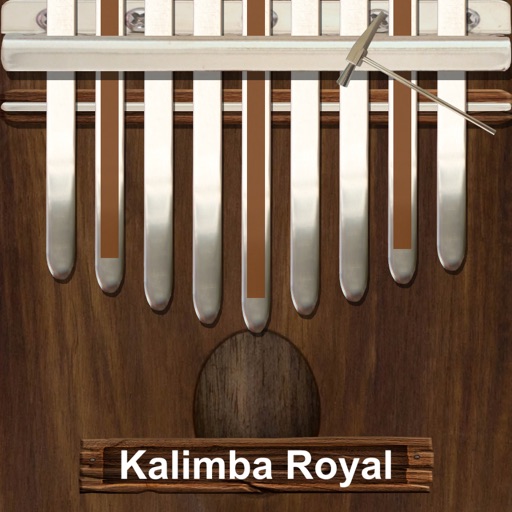
Play a traditional African musical instrument with metal tines. Pluck tines with thumbs to create melodies. Adjust pitch and volume. Save and share recordings. Learn scales and chords through built-in lessons.
Create and customize analog-style sounds with up to 8 voices. Adjust oscillators, sub-oscillator, and noise source. Use AUv3 for integration with DAWs. Design patches with classic synth parameters.
Practice ear with exercises on intervals, chords, scales, and melodies. Select intervals within two octaves and activate backing chords for practice. Identify and repeat musical notes and patterns to improve listening skills.
Learn staff notation, music theory, and - through interactive exercises. Practice with customizable worksheets and quizzes. Track progress with detailed reports. Sync lessons across devices and access a library of musical examples for practice.
Edit and transcribe chord sheets with auto-scrolling and smart automation. Customize chord diagrams, adjust tuning, and apply capo positions. Transpose and access a virtual fretboard for alternative voicings.
Create and manipulate multi-layered sound sequences using a 4-lane sequencer. utomatic accompaniment from MIDI input. Blend samples seamlessly for evolving soundscapes. Adjust wave synthesis parameters and sequence patterns.