Design tags with customizable markers and nib shapes. Choose from various stroke sensitivities and color options. Save creations with one click. Create personalized street art and tags.
by TOUCHSCREEN LEARNING LTD★ 2.091 ratingsEntertainmentFreeData updated 2026-09-09
Create custom charts for crafts like cross stitch, bead weaving, knitting, and pixel art. Draw dotted images and design patterns with an intuitive touch interface. Export charts for use in projects.
Record and analyze timing data with markers for precise event tracking. Save data in organized sheets for easy reference. Compare videos side by side to review performance. Export timing information for further analysis.
Create digital artwork using -by- templates. Select colors, fill in numbered sections, and save or share creations. Access a library of images for coloring. Adjust palettes and zoom in for detailed work.
Edit photos with background erasing and changing tools. Blur backgrounds and apply portrait beauty effects. Add realistic filters and effects with one tap. Share edited photos directly. Join a community for editing tips and feedback.
And with tracing guides and step-by-step tutorials. Choose from various fonts and styles. Trace letters, letters, and symbols. Access inspirational quotes and decorative elements. Use a high-tech tracing projector for guidance.
Read articles and features about urban art and artists from around the world. Browse galleries of artwork, discover emerging and established talents, and access exclusive content. Subscribe for full access to all features and updates.
Create 3D scans using photogrammetry and lidar. Adjust scale with April Tags for real-world measurements. Export data in e57 format for analysis. Process data locally or in the cloud without internet transmission.
The app transforms user snapshots into multi-textured, stroke-filled Impressionist masterpieces. It maintains the balance of the user's piece, resulting in captivating paintings brimming with passion, life, and beauty.
Create calligraphy, customize styles, save and share
Create Arabic-style calligraphy with customizable styles and colors. Design with vector shapes and adjust curves. Align text or shapes using alignment tools. Adjust layer order to bring elements forward or send them back.
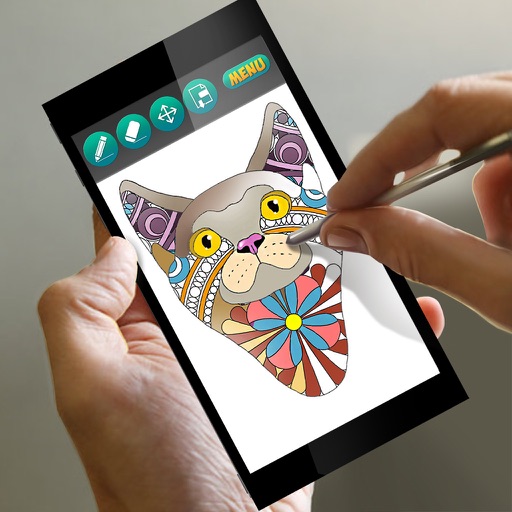
Coloring book allows users to lowrider car designs. Features include glitter effects, cosmic themes, and customizable artwork. Users can save and share their creations.
Capture photos with realistic film grain, cinematic halation, and a rich color palette. No live filters or editing tools. Share directly from the without additional steps.
Write letters, practice strokes, improve structure
Practice to improve handwriting through structured letter formation and proportions. Write larger letters for accurate curves and lines. Track progress with practice sessions and receive feedback on letter quality.
Convert photos and videos into paintings or hand-drawn animations using AI. Apply sketching or painting styles with adjustable textures. Save the artwork process as a video. Choose from five standard art tools.
The app offers live-calculated brushes and strokes that interact with a generated canvas texture. Users can adjust parameters like color and size while painting, and stroke size changes based on fingertip contact with the screen.