

Apps Like Muse Photo Editor for iPhone and iPad
Apply filters and effects in one tap
Create artistic images with single-tap camera effects and professionally designed filters. Adjust brightness, contrast, and tone curve. Blur and focus images. Rotate, crop, and resize photos. Add text and fun stickers.
Muse Photo Editor screenshots
Ranked alternatives
Showing 641–660 of 1,000 ranked alternatives.
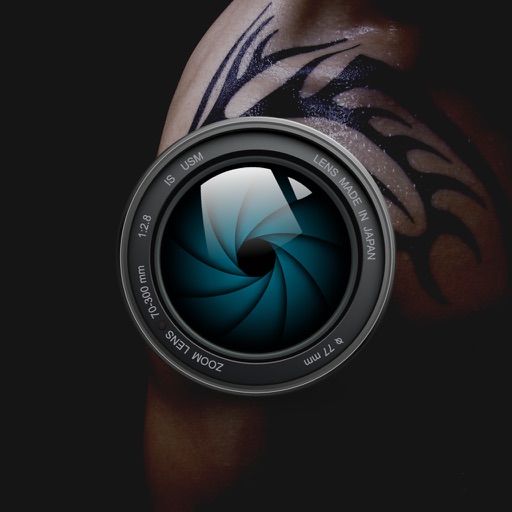
Tattoo Photo Editor
Quantis, Inc.
Create tattoo photos in seconds.
The app allows users to add tattoos to photos. Users can import or capture a photo, select a tattoo, and adjust its size, rotation, and color.

Tune FX Photo Editor
ATN Marketing SRL
Enhance photos with filters and effects.
The app offers numerous filters and effects to enhance photos. Users can add stickers, text, and cosmetic tools like redeye correction and blemish removal.


After Light Go - Photo Editor
Duc Le
Free photo editor for personalization
The app offers tools to crop, resize, and fix pictures. Users can add effects, overlays, borders, stickers, and text to personalize images.


Photo & Camera Editor
AMARDEEP DHILLON
Take selfies with live filters
Take selfies and photos using front and back cameras. Apply live filters and magic filters. Crop, rotate, and flip images. Add text with various fonts and colors. Apply stickers and share edited photos.


Square Fit - No Crop Photo App
Labhuben Kachhadiya
Edit photos with no
Edit photos with filters, backgrounds, patterns, textures, frames, and stickers. images to format. Access photos from the gallery or capture new ones with the camera. Apply creative tools to enhance and style images. Share edited photos directly.


Portrait AI: Photo Editor
Umit Kaya
Edit portraits with AI precision
Edit photos with AI-powered background removal and custom background options. Apply artistic effects like cartoon styles. Enhance portraits with AI adjustments. Export edited images in various formats.

HDREffectsPhoto
Human Software Company Inc
Create rich HDR effect images easily.
The app creates HDR effect images from single photos. It accepts JPEG, PNG, TIFF, and BMP files, and can reveal details in dark images.

How we rank alternatives
Apps are ranked by functional similarity, category fit, rating confidence, and popularity.