Create and edit videos with effects, pixelation, or blurring. Highlight specific segments or use a magnifying glass for close-ups. Annotate videos with boxes and share edited content directly.
Take selfies with filters and skin enhancement tools. Edit photos with cropping, adjustments, and options. Record HD videos and apply color filters. Share edited content directly.
Add text to photos using customizable fonts and captions. Overlay images with artistic artwork or choose from filters and frames. Scale and crop photos for editing. Share edited photos directly to Instagram.
Automatically detects subjects and backgrounds to create bokeh effects. It applies Gaussian, motion, or zoom blur. Built-in filters enhance photos. No manual object selection is required.
Save and repost Instagram, X, Facebook, and Threads content. Bookmark photos and videos from any link. Organize favorite content in one place. Edit videos with basic tools. Create GIFs from videos or images.
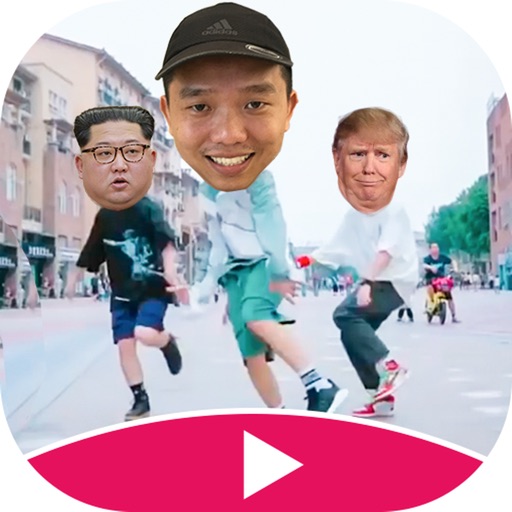
Create -swapped videos by uploading a self-photo to apply to templates. Replace faces in clips with characters or other faces. Access regular template updates. Export high-quality videos for social media platforms.
The app allows users to add text and filters to photos. Users can select from various fonts and adjust text properties like transparency, color, and shadow.
Edit photos with filters, effects, and backgrounds. Create collages and layouts with ready-made designs. Crop and mirror images for social media. Add text and frames. Share edited photos directly to WhatsApp and Instagram.
Edit photos by applying faces and filters. Choose from free templates to try on. Upload photos from albums or Facebook. Share edited images on Twitter or Facebook. Select preferred for personal use.
Scan and convert paper documents into high-quality PDF files. Automatically detect and correct document borders and perspective. Remove shadows with advanced color processing. Save to iCloud or share directly.