The app connects to a digital home automation system for remote monitoring and control. It provides real-time feedback for managing home devices, enhancing the quality of home life.
by CHIH JEN WU★ 0.00 ratingsLifestyleFreeData updated 2026-11-20
Manage home climate and hot water with real-time adjustments for heating and cooling. Control HVAC and water heater settings remotely via smartphone. Monitor energy usage and set schedules for optimal efficiency.
Track your cat's location in real time using a waterproof device. Receive notifications when your cat returns home. Sync with your smartphone for remote monitoring and simple setup.
Manage smart home devices through voice commands and manual controls. Access music streaming, search and organize playlists. Set up and customize AI音箱 with personal information and network configuration.
Remotely control home appliances from anywhere. Set timers, customize scenes, and create device groups. Manage multiple devices simultaneously. Share access with family members. Simplify setup with an intuitive interface.
Manage vehicle settings and monitor fuel levels. Access navigation and entertainment systems. Receive real-time diagnostics and remote locking. Sync with smartphone and smartwatch for notifications and control.
Read articles and features about modern architecture and home design. Purchase digital issues of the . Access expert advice and product highlights. View content about innovative living spaces and design trends.
Control lights, shades, and smart devices remotely from an iOS device. Adjust brightness, color temperature, and schedules. Create scenes and automate routines. Monitor system status and receive notifications.
Remote control allows users to manage home appliances from anywhere. Simultaneously control multiple devices through a single interface. Set timers to automate various functions. Share devices with family members with a single tap.
The app connects to the Home Control Assistant Server desktop application. Users can control home lighting, thermostats, and automation devices remotely, and check sensor status.
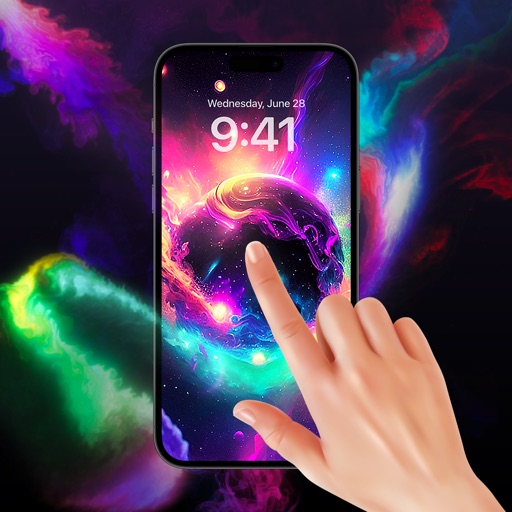
Set dynamic and static backgrounds. Choose from high-quality HD, 3D, 4K, and detailed graphics. Organize content into categories for easy access and customization. Apply to device home screens and lock screens.
Manage home security and smart devices remotely. View device statuses, control smart locks, garage doors, thermostats, and speakers. Personalize settings for family members. Integrate with hundreds of popular smart home devices.
The app provides remote control of air conditioning systems. Users can turn units on or off, adjust temperature, and monitor system status from any location.
Control home security and automation systems remotely. Monitor cameras, arm/disarm systems, and receive alerts. Adjust lighting and thermostat settings from a smartphone. Integrate with smart devices for centralized management.
Control home and garden lighting remotely via internet. Adjust brightness, color, and effects. Create scenes and schedules. Group lights for different areas. Access settings and updates through the .
Monitor home security with real-time alerts and interactive video feeds. Control smart devices remotely to automate lighting, temperature, and appliances. Track energy usage and receive notifications for system status updates.
Allows users to manage smart home devices through an iPhone or iPad. Users can adjust lighting, climate, and security systems. They can create scenes, set schedules, and receive notifications.
Set home screen wallpaper with HD live themes. Apply animated backgrounds with sparkling effects and color variations. Customize lock screen with high-quality images and dynamic animations.
Control smart lights with scheduling, scene setup, and voice integration. Adjust brightness, color, and temperature. Automate routines and manage multiple devices without a hub. Set wake-up schedules and customize lighting for different activities.
The app allows users to connect with Samsung home appliances via smartphones. Users can monitor and control devices, check status, and access customer support.