Apps Like World Clock Time Zone Widgets for iPhone and iPad
Check in cities worldwide
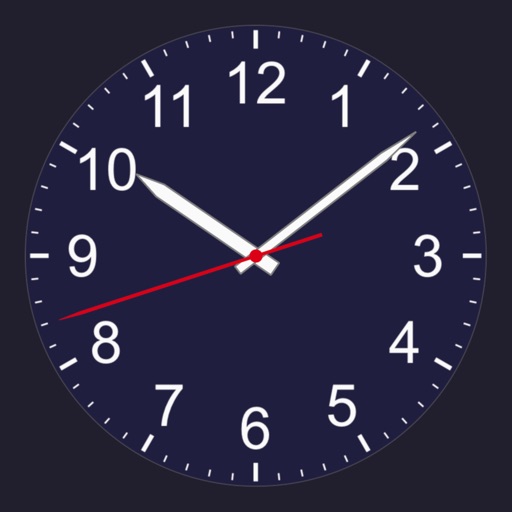
Check the current in any city with analog or digital clocks. Add and manage cities through a simple interface. Rename cities for custom labels. Display on Home Screen, Lock Screen, or Dynamic Island.
by Overdesigned, LLC★ 4.722,308 ratingsTravelFreeData updated 2026-09-09
Access apps, shortcuts, and URLs directly from the Lock Screen. Place custom widget buttons with over 4,000 icons. Configure each to launch apps, websites, or shortcuts. Display custom titles on widgets. Use built-in presets for quick setup.
Add to the for quick access. View steps, daily goal, and distance with pedometer data. Access a mini calendar with today highlighted. Launch favorite apps like YouTube, TikTok, and Instagram directly from the .
Create and edit with custom colors, fonts, and sizes. Record tasks, to-do lists, study plans, and shopping lists. Set as home screen widgets or lock screen. Add unlimited widgets.
Solve complex math equations with a scientific . Convert units for cooking measurements. Access real-time currency exchange rates for international transactions. Perform financial calculations and metric conversions.
– Time Zone displays current time, date, and time zones. It includes real-time , dual , and city list widgets. Users can customize colors and images, switch temperature units, and convert time zones.
View charts and daily forecasts. Check trip forecasts and rain predictions. Track hurricanes and tides. Receive notifications. Access radar maps. Use widgets for quick home and lock screen views. Monitor historical data.
Manage zones by adding contacts and organizing them into groups. Check differences for contacts using scrubbing. Access the on iPhone, iPad, and Mac for scheduling and coordination.
The app displays multiple time zones on a single analog clock face. Users can manage and organize time zones with custom labels and color-coded indicators.
Display current for any city or address with a slideshow of personal photos. View in 12, 24, and military formats. Adjust slideshow settings and select photos from an album. Search locations by name, address, or postal code.
Decorate home screen with interactive widgets. Display photos in sorted order or create collages. Add multiple photos at once and rearrange them. Supports transparent and iOS 18 lock screen widgets. Choose from various sizes and refresh intervals.