Teaches coding through picture-based commands and guided challenges. Controls or Dot via Bluetooth. Offers lessons and projects for kids aged 8 and up. Allows users to program robot movements and actions.
Create colorful iMindMaps to tell stories and express thoughts. Add text, images, and shapes to develop ideas. Save and share maps with teachers and family members. Encourage literacy and creative thinking through visual learning.
TOYA TAP: PRESCHOOL AND KINDERGARTEN FREE LEARNING PUZZLES GAMES FOR KIDS TODDLERS LTD
Create art by throwing objects at
Create original artworks by interacting with everyday objects. Use bright colors from objects like trumpets and umbrellas. Paint on a canvas by throwing items into tornadoes or letting animals interact.
Teaches letters through interactive games and animations. Includes number recognition from 0-100. Features color and shape identification activities. Helps develop phonics and handwriting skills.
Teaches drawing through interactive lessons and animated strokes. Breaks down drawings into simple shapes. Allows users to practice on a digital canvas. Offers guidance for both beginners and experienced artists.
Create drawings with customizable tools and colors. Adjust tool sizes and transparency levels. Undo or redo actions, clear drawings, or wipe off sections. Add blank paper to reset the . Change background and save preferred marker settings.
Organize with nested boards and organic growth. Link cards across boards for references. Use excerpts to remix content. Collaborate on boards with others. Track progress through visual boards.
By mastering 300, 1000, or 3000 popular words. Practice words through repeated correct responses, with new words added after five successful attempts. Track progress and review learned words regularly.
Vocabulary with 3000 popular words. Study 20 new words daily. Correctly answer a word five times to mark it as learned and receive a new word. Track progress and review words regularly.
Create and customize grids on images for drawing and painting. Place grids over photos to use as reference. Adjust size and spacing. Export layers for use in digital art tools.
The app provides business English lessons covering topics like meetings, presentations, and negotiations. Users can improve vocabulary, listening skills, and learn idioms with over 500 lessons available online or offline.
Learn vocabulary using with audio pronunciations for American and British . Practice speaking and listening through voice recording and playback. Search terms instantly and customize . Study offline without internet connection.
The app provides a social learning platform for higher education. Students and professors use it for class communications and polling, allowing users to ask and answer questions from a mobile device.
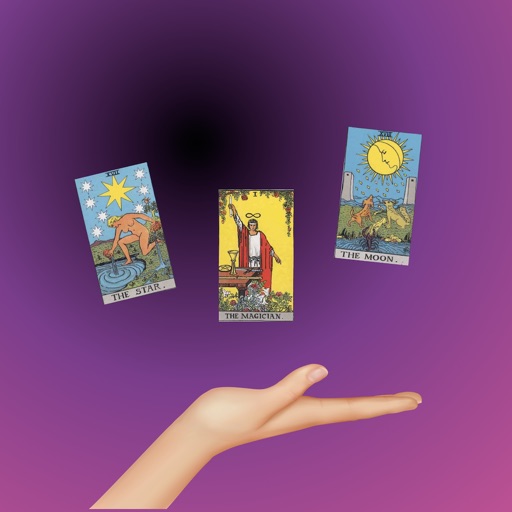
Card meanings and interpretations for all 78 cards. Explore 300+ pages of explanations covering multiple situations. Discover popular spreads and practice a card a day. Track progress and understand how to apply cards in different contexts.
On , blank canvas, or images using pen, line, arrow, and shape tools. Edit photos with filters, adjustments, effects, and cropping. Customize tool size and opacity. Add text, stickers, and emotions. Export drawings in various formats.