Play musical notes using a MIDI keyboard and pedal connected to iOS or macOS. Access a subset of the 2 pipe organ samples by Joseph Basquin. Adjust settings via the Napo documentation and user manual.
Turn iPhone or iPad into pads and keyboard. Connect via Bluetooth or USB. Assign and name 16 pads. Use full 88-key piano. Select channels and velocity. Control CC and program changes. View message logs. Requires external synth or plugin.
Create and manage drum kits by importing professionally recorded samples. Trigger samples via MIDI or built-in pattern editor. Sync tempo with DAW. Edit and sequence drum patterns. Build and organize custom drum kits.
Create and edit music with a multi-track sequencer. Record and adjust patterns in real-time with quantization and undo options. Use an integrated drum sampler with individual effects and XY pads. Load external AUv3 instruments and effects.
Plugin for AUM. Supports 16 tracks with unlimited length and 16 output ports. Import and manage clips via Media Bay. Drag and drop clips to build songs. Direct output to multiple channels.
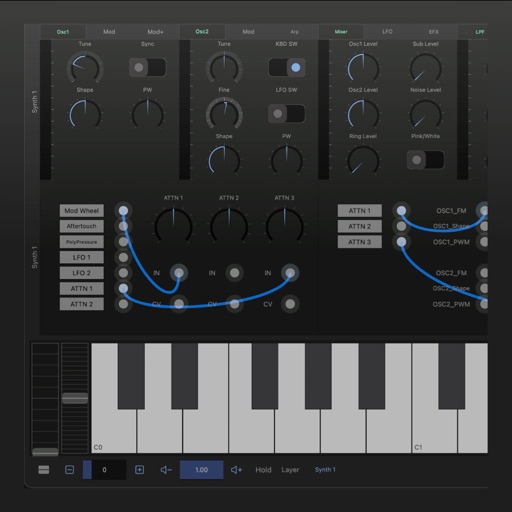
A synthesizer with 16 voice polyphonic capabilities. Users can create sounds using two oscillators per voice, adjust ADSR envelopes, apply filters, and control amplification. Includes effects, a sequencer, and audio visualization.
Create and play chord progressions in various musical styles. Add chords, select instrument tracks, and hit play. Experiment with arrangements and mixes using piano, guitar, synth, bass, and drum tracks.
Create and edit sheet using a virtual piano keyboard. Export and import MusicXML files for compatibility with other software. Compose simple piano pieces or complex symphonies. View and adjust musical scores with a user-friendly interface.