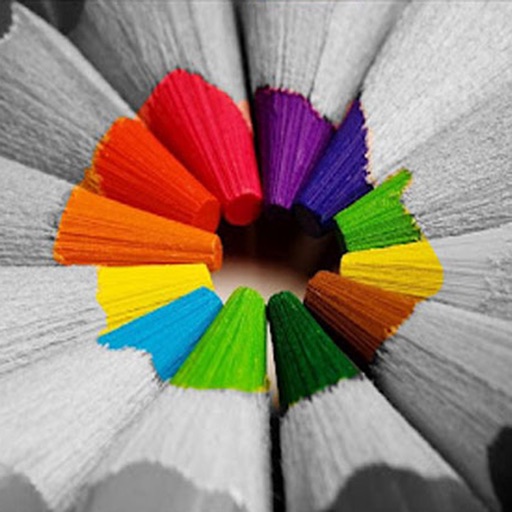
Take black and white photos with live preview. Use colored lens filters and professional conversion filters. Adjust contrast, brightness, and exposure in real time. Add film grain and black vignetting.
by pierre gougelet★ 4.7193 ratingsPhoto & VideoFreeData updated 2026-09-09
Edit and videos in real time with HDR tone mapping. Correct lighting and exposure issues. Apply eight unique artistic modes. Enhance details and preview edits before capturing. Adjust exposure and transform images instantly.
Apply realistic filters for vintage tones. Add grain and scratches for authentic texture. Adjust exposure and contrast for -like lighting. Export in high resolution and share directly.
With AI-based auto image enhancer. Upscale images up to 4X without loss of . Recolor black and white photos automatically. Edit photos with color adjustments and resolution improvements.
Organize photos and videos into folders and subfolders. Create, copy, move, rename, or delete media files. Set passwords and covers for folders. Sort by date, name, or type. Add descriptions and star ratings.
View photos from iCloud Photo Library and see EXIF data, location, and lens direction. Filter by favorites, location, or date. Edit metadata by removing geotags and personal data. Copy raw metadata to clipboard.
Capture photos with a film interface. Apply 50+ vintage film filters. Adjust exposure, contrast, and grain. Add film grain . Export photos in high resolution. Share directly to social media.
The app offers tools for photo editing, including frames, layouts, and effects. Users can adjust color balance, brightness, contrast, and saturation, and apply sharpening or blurring.
Edit photos with customizable filters, presets, and effects. Adjust brightness, contrast, and saturation. Add text, stickers, and frames. Export in various formats and share directly.
Edit photos and videos with 6 custom film camera filters and 14 unique film stock options. Apply 130 professional presets for consistent color grading. Adjust exposure, contrast, and saturation manually.
Record video and photos with DV, CCD, and film formats. Apply retro-style filters and effects. Preview adjustments in real time. Capture images with simulated analog texture and atmosphere.
Edit videos with high-quality color grading tools. Adjust brightness, contrast, saturation, and hue. Apply custom filters and fine-tune each parameter. Export videos in various formats and share directly.
Convert photos to colored or black and white sketches using 7 available effects. Choose a photo from the library or take a new one. Apply a effect and save the result to the device. No internet connection is required.
Record videos with real-time old film effects. Apply vintage styles to existing videos. Edit video FPS and resolution. Manage video files and apply effects to professional clips.
Edit photos with crop, rotate, exposure, color, sharpness, and resize tools. Create grid collages and edit individual images. Access presets, clone tool, and fine curve adjustments for detailed edits. Export and share edited photos directly.
Edit RAW photos with color and tone adjustments. Import and process RAW files from cameras or storage devices. Organize and manage libraries. Capture pro-grade RAW images with manual controls.
Take photos with a variety of film-style filters applied randomly. Adjust brightness, contrast, and saturation. Share edited photos directly to social media or messaging apps.
Enhance low- photos with real-time amplification. Adjust between amplification and exposure modes. Capture details in twilight with up to one-second exposure. View enhanced images instantly without additional hardware.
Edit photos with brushes and black-and-white effects
Edit photos by converting them to black and white and selectively retaining with a finger brush tool. Zoom in and out using two-finger pinching for precise adjustments. Share edited images via email or upload to Twitter, Flickr, or Dropbox.
Create 3D effects by moving the phone to capture multiple angles of a subject. Apply filters and effects to enhance the image. Add customizable background blur to simulate professional camera quality. Export videos without watermarks.