Add frames to photos from gallery, camera, or Facebook. Choose from various categories and themes. Discover new frames daily from user submissions. Save favorite frames for quick access. Unlock additional frames for use.
Create animated videos by acting in front of the camera or touching the screen. Record voice and save animations. Follow guided activities to make crafts and animate them. Share finished animations directly.
Create videos and animations using AI-powered tools. Transform images into anime or game characters. Edit videos with style filters and effects. Add text and music. Export and share finished projects directly.
Create AI-generated videos from text or image prompts. Choose from cinematic, realistic, and quirky styles. Edit clips with trimming and effects. Share finished videos directly to social media platforms.
The app allows a user's iPhone or iPad to function as a remote camera for Stop Motion Studio. It provides live preview and full camera control for capturing stop-motion animations.
Network monitoring allows users to log in via cloud or local Wi-Fi. View real-time frames and playback recorded video remotely. Record and play local footage. Take snapshots, preview images, and monitor audio.
View 3D alphabet cards with AR technology. Tap microphone to hear model names. Animate 3D models with different styles. Learn letters through interactive, visual content.
The app transforms an iPhone into a slit-scan camera. It records continuous slices of time, merging them into one flowing image that reveals motion and distortion.
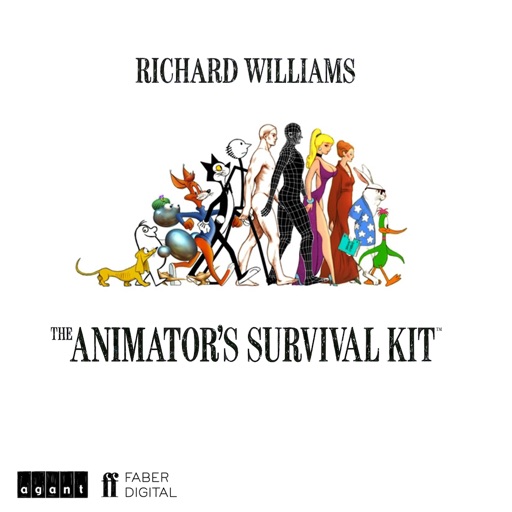
The app provides the underlying principles that every animator needs. It includes over 100 animated examples and previously unreleased animations by Richard Williams.