The app allows users to add hand-drawn sketches and typography to photos. Users can resize, rotate, color tint, and adjust artwork opacity before exporting photos in full resolution.
by Olya Schmidt★ 2.56 ratingsPhoto & VideoFreeData updated 2026-11-18
The app provides tools for creating sketches, doodles, drawings, and notes. It includes features like sketch paper, color pencils, erasers, a magnifying glass, smudge finger, and water blur.
Convert images to formats like JPEG, GIF, PDF, PNG, and BMP. Rotate, resize, and compress photos. Perform batch conversion to process multiple files at once. Export images for web use, email, or mobile viewing.
The app allows users to place faces into over 200 provided images or add 216 additional images to existing photos. Users can adjust placement, color, brightness, and hue, and add captions and frames.
Edit images with 75 standard and 285 custom blend . Adjust luminosity, contrast, and color. Apply 49 effects including spot, hue, and pixelate. Use blur, focus, and crop tools for precise refinement. Export edited images in various formats.
The app enables users to add comic-style captions and speech bubbles to photos. Users can customize text, fonts, colors, and bubble styles, then adjust their placement on images.
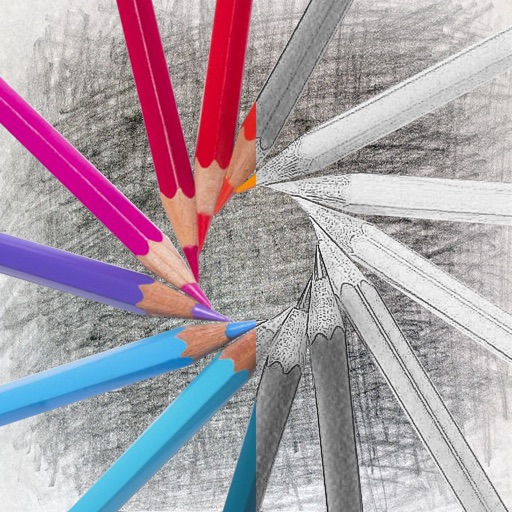
Convert photos into sketches with tone drawing engine. Adjust pen color, size, and background. Generate strokes with transparent backgrounds. Save sketches in original size and colorize with original colors.
Pro allows users to edit photos using AI-powered tools for skin smoothing, body reshaping, and background removal. Features include layer management, color correction, and non-destructive editing.
Edit photos with color filters, brightness, and contrast adjustments. Add stickers and text. Apply film-inspired presets and advanced camera controls. Export edited images in multiple formats.