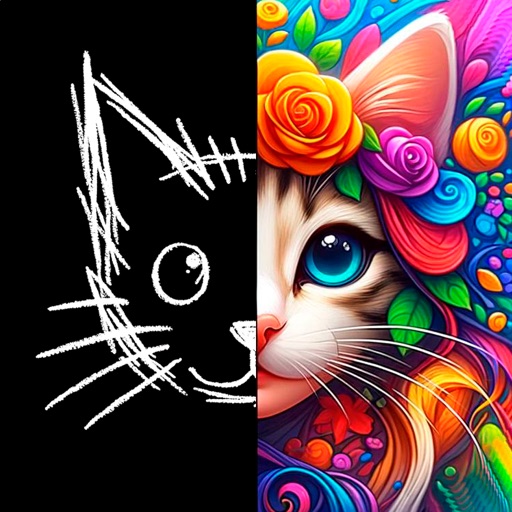
The app allows users to add hand-drawn sketches and typography to photos. Users can resize, rotate, color tint, and adjust artwork opacity before exporting photos in full resolution.
by Olya Schmidt★ 2.56 ratingsPhoto & VideoFreeData updated 2026-11-18
Create and customize grids with adjustable square or custom block sizes. Set canvas dimensions for accurate layout. Position and resize images within the . Adjust properties and view physical measurements. Submit feature requests directly from the .
The app provides tools for drawing, coloring, and editing pictures. Users can create digital sketches, add text, and use realistic brushes for various effects.
Capture photos and videos with live camera mode. Edit clips with preset styles. Export videos in 1080p, 3K, or 4K. View content in full-screen cinema mode. Save unfiltered media for later editing. Works on iPhone, iPad, and Silicon Macs.
Edit photos with professional filters, effects, and frames. Retouch images with powerful tools like spot healing and color correction. Adjust brightness, contrast, and saturation. Crop, rotate, and apply stickers.
Apply filters inspired by real color film prints to photos and videos. Adjust colors pixel by pixel for realistic results. Save images in high resolution without quality loss. Compatible with editing software like Premiere Pro and Photoshop.
Edit photos with blur background settings, shattering effects, and color frames. Add overlays and crop, rotate, or flip images. Import from gallery or camera, and share edited photos to social media.
The app provides a powerful editor with a simple design for photo enhancement. Users can add custom textures, stickers, and text to their images, with tools for focus, color splash, and brightness adjustments.
Edit PDFs and by adding text, logos, , or QR codes. Render PDF pages as images. Prevent text copying with watermarks. Adjust position, size, and rotation. Customize text with font, color, and opacity.
The app provides tools for creating sketches, doodles, drawings, and notes. Users can record video of their painting process or narrate a completed book.
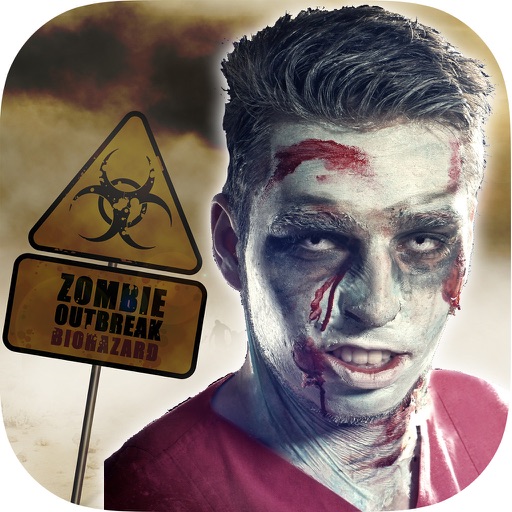
The app transforms user faces into various scary Vampire, Demon, and Zombie designs. Users can adjust effects on-the-fly and use finger gestures to rotate and resize them.