Resize images by adjusting height or width while maintaining aspect ratio. Compress files to reduce size. Save to camera roll, Files , or share via email, printer, and other native options.
The app is a bitmap image editor for creating custom glitch effects. Users can layer filters, pixelate images, adjust color and orientation, or apply multiple filters at once.
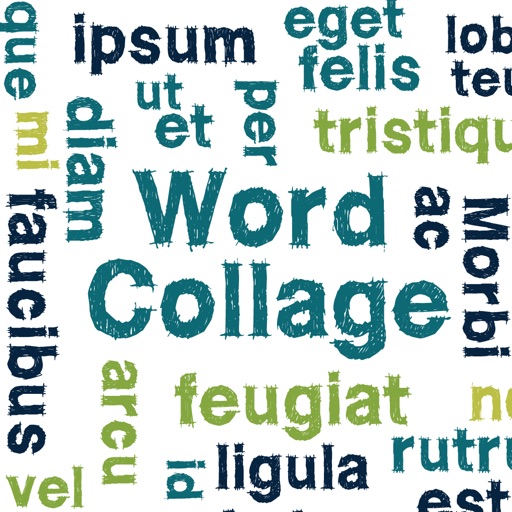
Create clouds by selecting color themes, fonts, and layouts. Choose from six layouts including horizontal, vertical, and half and half. Input text to generate clouds where common words appear larger.
Create and customize grids on images for drawing and painting. Place grids over photos to use as reference. Adjust size and spacing. Export layers for use in digital art tools.
Generate images from text or existing images using AI. Edit and refine generated images. Save and share outputs without login or payment requirements. No usage limits or subscription needed.
The app allows users to create watermarks, greeting cards, and graphics. It offers an intuitive interface, image filters, text manipulation, and 3D functions.
Convert images to JPG, PNG, HEIC, and other formats. Resize photos for web use. Compress images to save space. Edit metadata and adjust image quality. Export files directly to device storage or cloud services.
Create slideshows with photo filters, transitions, and background music. Add text overlays and select from various templates. Export to Instagram, Facebook, YouTube, or email. Share directly or save as video files.
Create posters, banners, flyers, and cards with customizable sizes and one-click scaling. Choose from backgrounds, textures, effects, 500+ fonts, and 1000+ stickers. Export and share directly.
Videos to remove specific areas or adjust orientation. in and out on selected parts for effects. Straighten horizons. Export edited videos in HD quality.
The app converts image files between JPG, JPEG, GIF, BMP, PNG, and TIFF. It resizes image files to a fixed width, fixed height, or by a percentage in batches.