Create slideshows using photos and video clips. Enhance images with cropping, flipping, and rotating. Apply effects like cross-fade, zoom, and panning. Add music or record narration. Export finished slideshows to share.
Store and organize photos and videos with secure access options. Set PIN, alphanumeric, or gesture-based passwords. Create multiple user accounts for content segmentation. Enable SnoopStopper™ to prevent unauthorized access.
Create dynamic slideshows with auto-updating content from cloud storage. Add custom animations, video playback, clock, and weather overlays. Display photo details and sync with iCloud, Google , Google Drive, Microsoft OneDrive, and Dropbox.
Create slideshows from photos with music, transitions, and effects. Select themed templates for birthdays, holidays, or love. Adjust duration, filters, and transitions. Export and share finished videos.
Browse websites and stream videos to Chromecast with a single tap. Send embedded videos directly to the device. View video links below the browser and tap to instantly.
Edit videos by selecting from hundreds of advanced transition templates. Add media and to create polished edits. Share finished videos on social media without needing advanced editing skills.
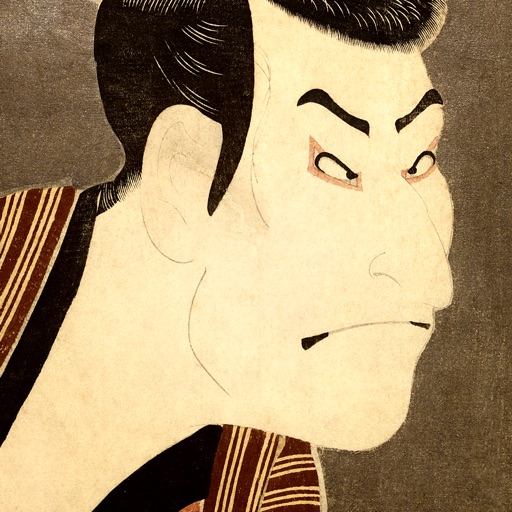
Save and organize featuring works by Hokusai, Hiroshige, and Sharaku. Set as home or lock screen. Create favorites folders and browse through curated collections. Support iOS parallax effect.
Create slideshows by selecting images from the photo library. Add music from Apple Music or the 's library. Apply filters and special effects to photos. Include text, emojis, and adjust length.
Edit videos and photos with mosaic and AI filters. Add scribble animations and customize aesthetics. Share content to TikTok, Snapchat, Instagram, and Facebook. Adjust filters and for creative storytelling.
Lock photos, videos, contacts, notes, and passwords with Face ID, Touch ID, or a PIN. Hide content in a private . Store data locally or in private iCloud. Access secured content through the interface.