Practice musical and chord recognition with customizable exercises. Select difficulty levels from beginner to advanced. Track progress and receive recommendations for targeted skill development. Sync with Apple Health to monitor practice sessions.
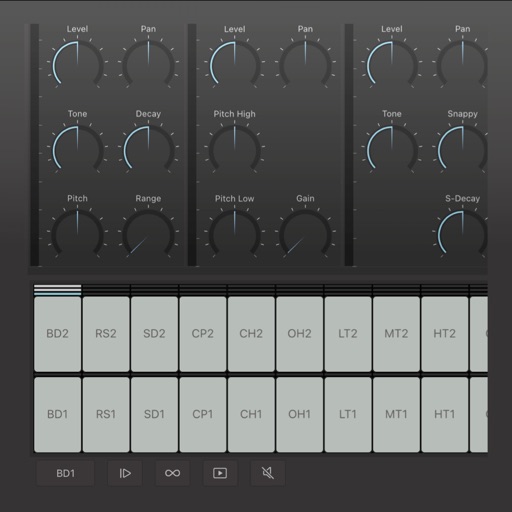
Create custom percussion sounds using a flexible synthesis engine. Design drum patterns with a Euclidean sequencer. Export and integrate sounds into projects. Adjust synthesis parameters for unique effects.
Create and share musical ideas with built-in synthesizers and a drum machine. Build drum loops using pattern pads, sketch bass lines, chord progressions, and melodies. Use 4 audio channels for drum machine, bass, chords, and lead. Input is automated.
Create and edit drum patterns using 27 drum voices. Apply effects like delay, chorus, and reverb. Automate parameters and sequence 16-bar patterns. Save and load project files for later editing.
The app allows users to play back multitracks, loops, and click tracks for worship or rehearsal. It offers features for changing song keys and tempos, customizing arrangements, and managing setlists with click track metronomes.
Turn your iPhone or iPad into a with sounds and rhythm patterns. Adjust jam level and intensity using a 2D slider. Play live sessions with 8 assignable pads and buttons for fills, intros, and endings.
Sends modulation control data to music apps and synthesizers. It features four independent LFOs with seven-bit CC messages. Users can adjust waveform shapes and modulate amplitude and rate between LFOs.
Stream from SoundCloud Go+ and local files via cloud services. Import tracks in multiple formats. Organize library by title, artist, album, bpm, key, rating, or duration. Create custom playlists.
Create and edit patterns using a circular interface. Adjust polyrhythms and evolving sequences. Add effects and automation. Export audio files. Share projects directly. Control tempo and swing. Sync with MIDI devices.
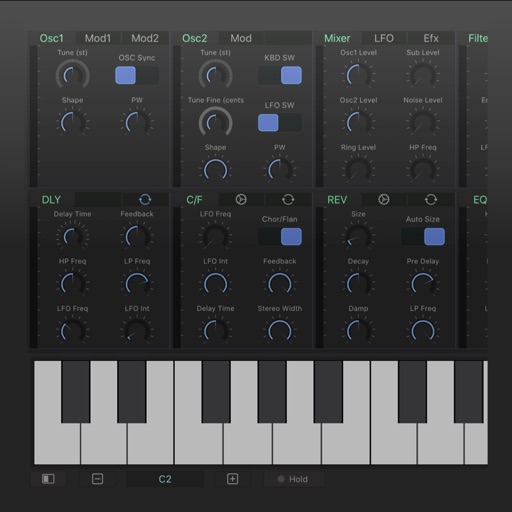
Allows users to create and edit music using virtual analog synthesizers and multi-effects. It supports loading as an instrument, audio effect, or MIDI processor within host applications.
Practice musical and chord recognition with interactive exercises. Track progress with saved statistics. Return to specific exercises for focused improvement.
Create and manipulate audio loops with customizable settings. Sample and sequence MIDI data. Host plugins and build custom effect chains. Sync with external devices and control performance parameters in real time.
Create and edit sequences with up to 16 tracks. Add modulation and control parameters. Use as standalone or AUv3 plugin in DAWs like AUM, Logic Pro, and Cubasis. Record and playback patterns. Adjust tempo and timing. Export files.
Catalog and organize chord charts and lyrics. Import from online sources or create new charts. Sync across devices via iCloud. Build and share setlists. Transpose, capo, or rewrite chords. Use with metronome, autoscroll, and chord buttons.
Create and edit chord progressions by selecting keys and chords. Build custom sequences and explore variations. Learn through interactive play and real-time feedback. Export progressions and integrate with music production tools.
Create and play music using chord and melody controls. Switch between chords and melodies with one hand. Adjust key and chord progressions. Record and playback performances. Share created songs directly.