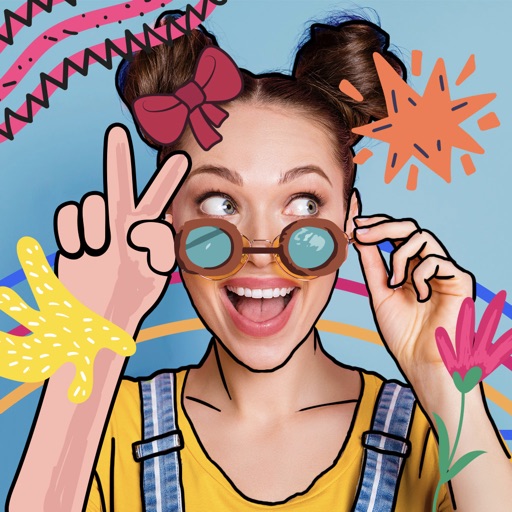
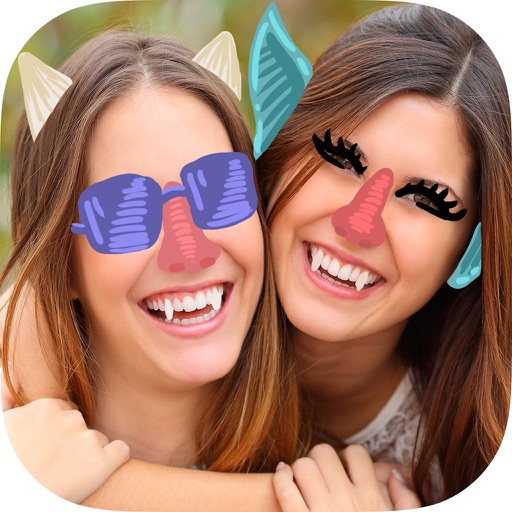
The app offers photo editing tools to adjust brightness, contrast, and saturation. Users can express creativity with brushes, stickers, and text options, and enhance images with layering capabilities.
by Meza Apps SL★ 0.00 ratingsPhoto & VideoFreeData updated 2026-11-16
Transform photos into artworks with customizable brushes and artistic effects. Apply color filters and use dynamic generative brushes for creative expression. Adjust brush stroke styles, sizes, and effects to refine details.
The app provides selected drawings of princesses for users to color, paint, or doodle. It offers a way to improve imagination, train the brain, and foster creativity with colored pencils and brushes.
Create images by drawing on photos or images from the device album. Choose pencil styles and adjust saturation. Control zoom, pencil size, and brush settings to customize sketches. Export and share finished drawings.
Edit photos with color filters, brightness, and contrast adjustments. Add stickers and text. Apply film-inspired presets and advanced camera controls. Export edited images in multiple formats.
Edit photos with filters, adjustments, effects, blur, and focus. Crop, rotate, and draw on images. Apply tone curves and enhance details. Save and share edited photos in various formats.