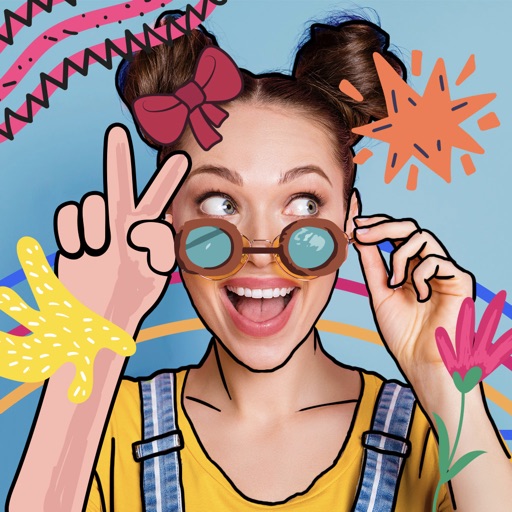
The app offers photo editing tools to adjust brightness, contrast, and saturation. Users can express creativity with brushes, stickers, and text options, and enhance images with layering capabilities.
by Meza Apps SL★ 0.00 ratingsPhoto & VideoFreeData updated 2026-11-16
Edit photos with text layers, borders, matting, rounded corners, 3D bevels, and shadows. Adjust cropping ratios and apply internal and external shadows. Share edited photos directly to social media.
Images using adjustable strength and soft/hard brushes. Remove stains and defects from photos. Enhance images with high-resolution editing and zoom. Apply focus to hide unwanted details. Offset wrist to avoid finger obstruction during editing.
The app allows users to capture thoughts, sketch, doodle, and write notes. Users can personalize notes with colors, fonts, and brush styles, and choose from various backgrounds.
The app offers an unlimited size canvas and layers for creative freedom. It includes over 100 preset brushes simulating various painting styles and allows playback of the entire painting process.