The app displays ukulele chords in standard string and TAB representations, as colored photos, and allows users to save and load chord sequences. Users can listen to selected chords, transpose them, and drag and drop them into other applications.
by Max Schlee★ 0.00 ratingsMusicFreeData updated 2026-11-16
Play on your device with realistic studio-quality sounds. Use virtual frets to strum chords and play melodies. Adjust volume, effects, and tuning settings. Save and share custom riffs and songs.
Recognize musical and chords by sound. Play games to identify pitches and intervals. Progress from simple to advanced levels. Track progress and compete with others. natural and their sharps/flats through interactive challenges.
Practice and play and rhythms with preloaded for kehrwa, dadra, roopak, deepchandi, and jhapp taalas at various speeds. Set and change guitar chords and keys to match singing pitch.
Access ukulele with detailed fingering and audio examples. Search for via built-in tools or Spotlight. View multiple chord positions and learn suggested finger placements.
Play multiple instruments simultaneously using MIDI Polyphonic Expression. Access 8 layouts with multiple rows and octaves. Choose from 15+ scales. Use a powerful arpeggiator. Operate as a standalone device with multiple keyboards.
Create music using drum kits, samples, and sound effects. Tap sample blocks to build beats and tracks. Add melodies, snares, cymbals, and kicks. Export and share finished compositions.
Allows guitarists to control MIDI instruments and loops using a guitar-mounted controller. It enables playing synthesized sounds, arpeggiated patterns, and layered instruments. Users can record and playback audio files triggered by guitar notes.
Create and edit chord progressions by selecting keys and chords. Build custom sequences and explore variations. Learn through interactive play and real-time feedback. Export progressions and integrate with music production tools.
The app provides a novel arrangement of notes for playing music. Sliding a finger produces chords, with higher importance notes and chords surrounding them.
View diagrams for 12 keys and 32 chords. Display three fingering positions for each . Play sounds to hear the notes. Practice chords with visual guides and audio feedback.
Chords and scales with interactive lessons. Use a virtual simulator to practice strumming and fingerpicking. Track progress with lesson completion and skill assessments. Access chord diagrams and tablature for reference.
Explore chords, scales, and arpeggios with interactive libraries. Select root notes and adjust lowest or highest notes for custom chord shapes. View and practice scale patterns with detailed diagrams.
The app allows users to compose music scores with various symbols and multiple tracks. It supports different instruments, transposing instruments, and playback.
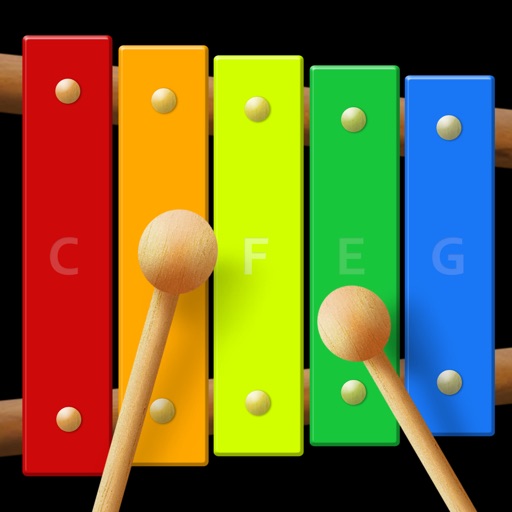
The app provides a virtual xylophone experience for iPod Touch, iPhone, and iPad. It features multi-touch capabilities for playing chords and an instant recording feature for solo duets.