The app tracks visual effects needs for film and television production. It allows users to record general scenes or individual takes and print or email reports.
by Todd Freese★ 4.52 ratingsPhoto & Video$29.99Data updated 2026-11-16
Control mobile cameras wirelessly to switch between multiple video feeds. Add graphics, titles, and video clips to streams. Manage audio inputs and apply effects in real time. Stream directly to social media platforms without cables.
Safeguard with backup and restoration features. Perform multi-delete operations for efficient management. Import and export for flexibility. Identify missing key details like name or email. Locate common fields such as company and job title.
Create digital art using AI-powered tools. Upload images or describe ideas to generate art. Design avatars, animate photos, and create tattoo artwork. Edit and export final designs in various formats.
The app offers comprehensive data entry and automated report generation for script supervisors. It supports film and serial production with features like clip-based workflow, multi-camera support, and cloud backup.
Edit contacts, backup, restore, find, and identify
Manage contacts with multi- functionality. Backup and restore contact data. Locate contacts missing name, phone, email, or address. Identify common fields such as company, email domain, job title, and phone numbers.
Resize images in pixels, millimeters, centimeters,
Resize images by specifying dimensions in pixels, millimeters, centimeters, or inches. Maintain aspect ratio by linking width and height fields. Save, email, print, or share the resized .
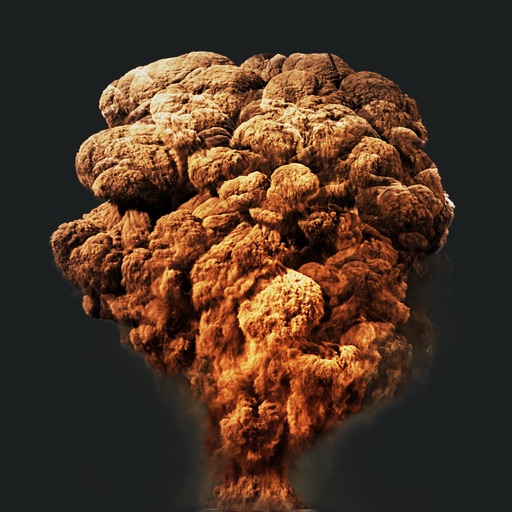
Create action scenes with realistic including fire, explosions, blasts, and muzzle flashes. Import or take a photo, then add by tapping and adjusting their position, scale, and rotation.
Capture photos with signature color and style. Adjust exposure, focus, and white balance manually. Select from multiple film simulation modes. Edit images with basic tools. Share photos directly from the .
Create cinematic videos with frame rate, shutter angle, and white balance adjustments. Record in professional formats. Import and edit footage on iPhone or iPad. Sync with Design cameras for advanced control. Export high-quality video files.
Edit videos with professional effects and animations
Create and edit videos with timeremap for beat synchronization and keyframe movement. Apply professional effects and rich presets. Export in HD quality. Add animations and adjust timing for dynamic creation.
Write production details with finger input. Mark scenes with a tap that produces a loud, clear sound. Save and review clapperboard entries. Sync with devices for collaborative filming.