The app allows users to add and manipulate multiple bouncy slimes onto photos. Users can change the shape, size, and position of the slimes and share modified images.
by KENSHI DOI★ 1.01 ratingsPhoto & VideoFreeData updated 2026-11-16
Create collages by arranging multiple photos in predefined shapes. Choose from 100+ categories including hearts, animals, and flowers. Automatically place photos within selected shapes. Export finished collages.
Create and mix using bags and various ingredients. Customize colors and textures. Build clay flowers and other creations. Track progress in mixing simulations. Share designs with others.
Apply pre-designed to images. Add text and decorations. Share edited photos directly. Celebrate Day with themed visuals. Edit and enhance photos with filters and effects. Save and export modified images.
Edit photos by selecting from Camera Roll or taking new shots. Apply real-time effects to create prism-like glass pieces. Adjust frames, shapes, and patterns. Rotate, resize, and drag elements for custom designs. Export and share edited images.
Edit photos with eye detection tools. Change eye and lens style. Adjust pupil size and shape. Remove red eye and whiten eyes. Add sparkle effects and rotate them. Morph face shape for enhanced edits. Export edited images directly.
Simulate behavior with thousands of autonomous agents. Users can observe how agents sense, turn, and follow pheromone trails to form networks and solve mazes. Adjust environmental factors and watch emergent patterns develop over time.
Create collages by arranging photos in various layouts and adjusting their position, angle, and size. Apply unique filters and choose from rich typography styles and text stickers.
Resize photos by adjusting dimensions in pixels, millimeters, centimeters, or inches. Save images in PNG or JPG formats. View side-by-side comparisons of original and resized images. Maintain quality during resizing.
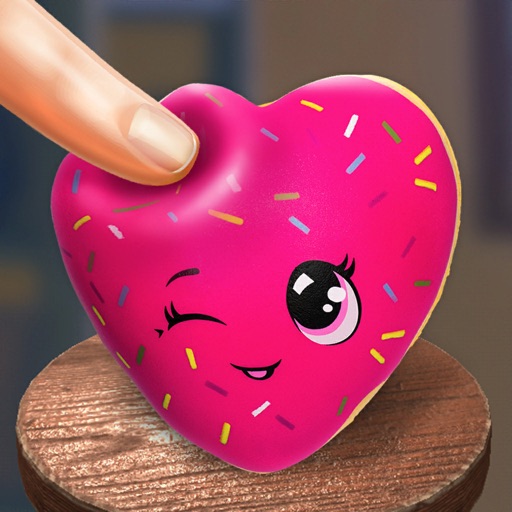
Play a realistic squish simulation by sliding and squeezing on the screen. Create custom squishies with a 3D editor. Choose from hundreds of pre-made 3D squishies. Customize with over 100 colors, stickers, shapes, and prints.
The app allows users to crop photos into a square shape for posting on Instagram. It supports both landscape and portrait orientations and offers various background options and effects.