Apps Like WPSConvert - for MS Works for iPhone and iPad
Convert Works documents to Office formats.
The app converts Microsoft Works documents to Microsoft Office formats, PDF, and RTF. It retains layout, images, and graphics during conversion and offers flexible file addition options.
by RootRise Technologies Private Limited★ 0.00 ratingsBusiness$4.99Data updated 2026-11-15
Documents, receipts, and notes to create PDF or JPG files. Use OCR to convert text from images. Edit scanned text and convert handwriting to text. Restore old photos and ID cards or passports. Share or save files in PDF, JPG, or TXT formats.
Organize and manage files with folder creation and categorization. Compress folders for transfer. Protect folders with passcodes. Edit, view, and organize photos, videos, and documents. Share files directly.
The app allows users to save smartphone pictures and videos directly to the NAS. It supports streaming videos and music, and viewing various file types including photos and Microsoft documents.
The app offers multitasking file management with 3-finger swipes for quick task switching. It supports various file types, cloud services, and includes features like a document reader, text editor, and zip archiver.
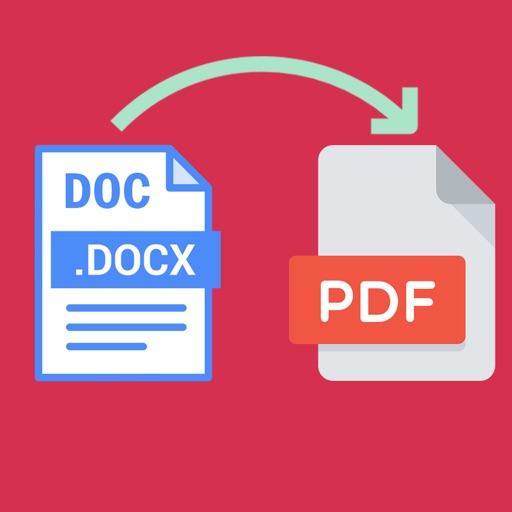
Word documents to PDF with full font support including Unicode, Indian, Arabic, Brazilian, and special fonts. Edit and view PDFs without font errors. Save and share converted files directly.
FTP client allows users to add, modify, and delete FTP servers. Download and upload multiple files or folders. View files online, create folders, and track progress. Access download and upload history. Sort files by name, date, or size.
Edit documents, spreadsheets, and presentations online
Allows users to edit documents, spreadsheets, and presentations. Support for OOXML files includes .docx and .docm formats. It provides a unified code base for enterprise-wide deployment.
Create and edit spreadsheets by importing Excel files or CSV data. Collaborate in real time on shared documents. Sync files with cloud services like Dropbox and Box. Save and export changes directly to cloud storage.
Manage documents and files with a . Create and organize folders, copy and move files between locations, delete or rename items. Access trash for recovery. View general and detailed information about files and documents.
The app allows users to scan documents directly to their iPhone, iPod touch, or iPad. Scanned files can be sent via email, other applications, or cloud services.
Store and access files securely from any device. Share large files directly with others. Edit Office documents offline. Protect shared files with passwords. Upload and sync files across devices.
Access and manage secured documents across devices. View, annotate, edit, and share files. Sync files securely with . Protect data with encryption and remote device management.
Convert files to and from PDF with ease. Preview documents, edit text, and adjust formatting. Share converted files directly or save to cloud storage. Supports multiple file types including documents, images, and spreadsheets.